



Protectimus TOTP Burner is an Android application developed by Protectimus for configuring and managing Protectimus FLEX, Protectimus SLIM, and Protectimus SLIM mini programmable hardware tokens.
Download and install the Protectimus TOTP Burner app from Google Play.

The app allows you to:
Please note: an NFC-enabled Android smartphone is required to use the app.
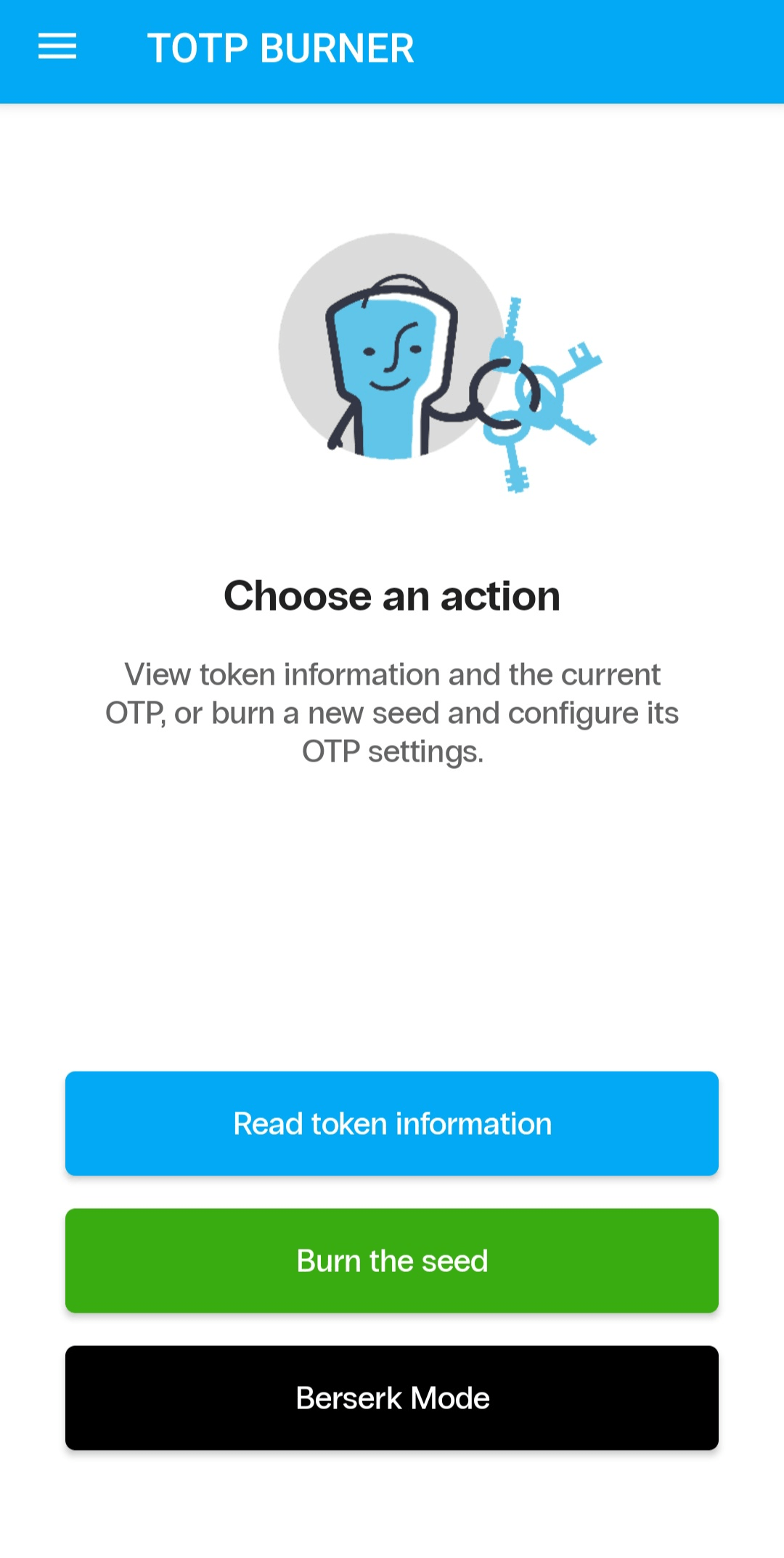
Protectimus TOTP Burner allows you to program a secret key into a token in two ways:
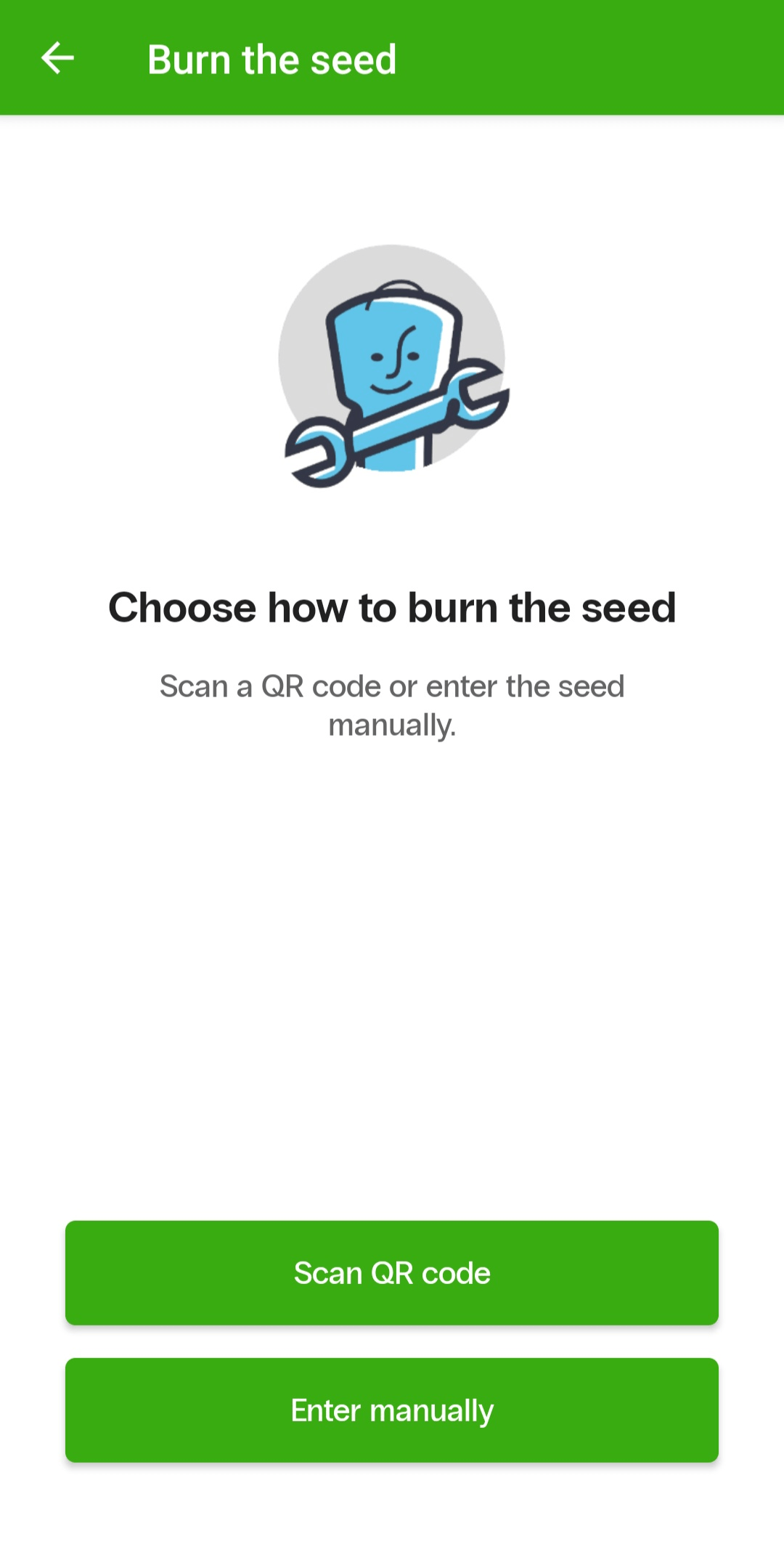
Whichever method you use, turn on the token and hold it firmly against the smartphone’s NFC antenna area before programming. Keep the token in this position until the operation is complete.
When programming a token manually, enter the secret key in Base32 format and configure the OTP generation parameters:
The secret key must contain between 16 and 32 Base32 characters. The app checks the key length and format before programming the token.
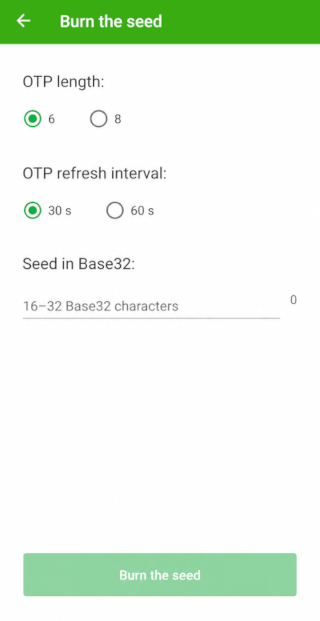
Tap Burn the seed to start programming. The app will confirm that the token has been programmed successfully or display an error message if the operation fails.
You can validate a secret key separately before writing it to a token. To do this, open the app’s side menu and select Validate the seed.
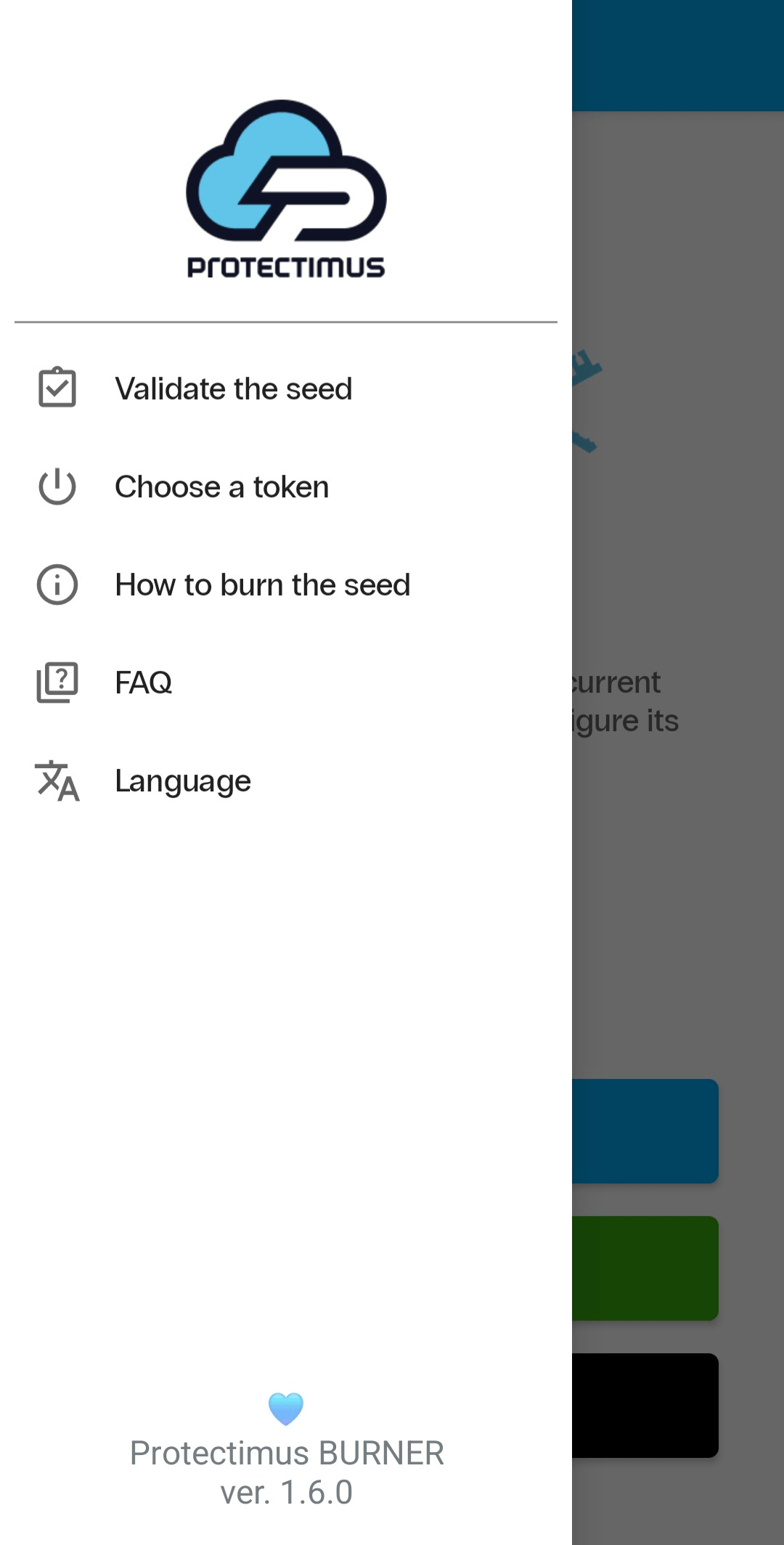
You can scan the key from a QR code or enter it manually.
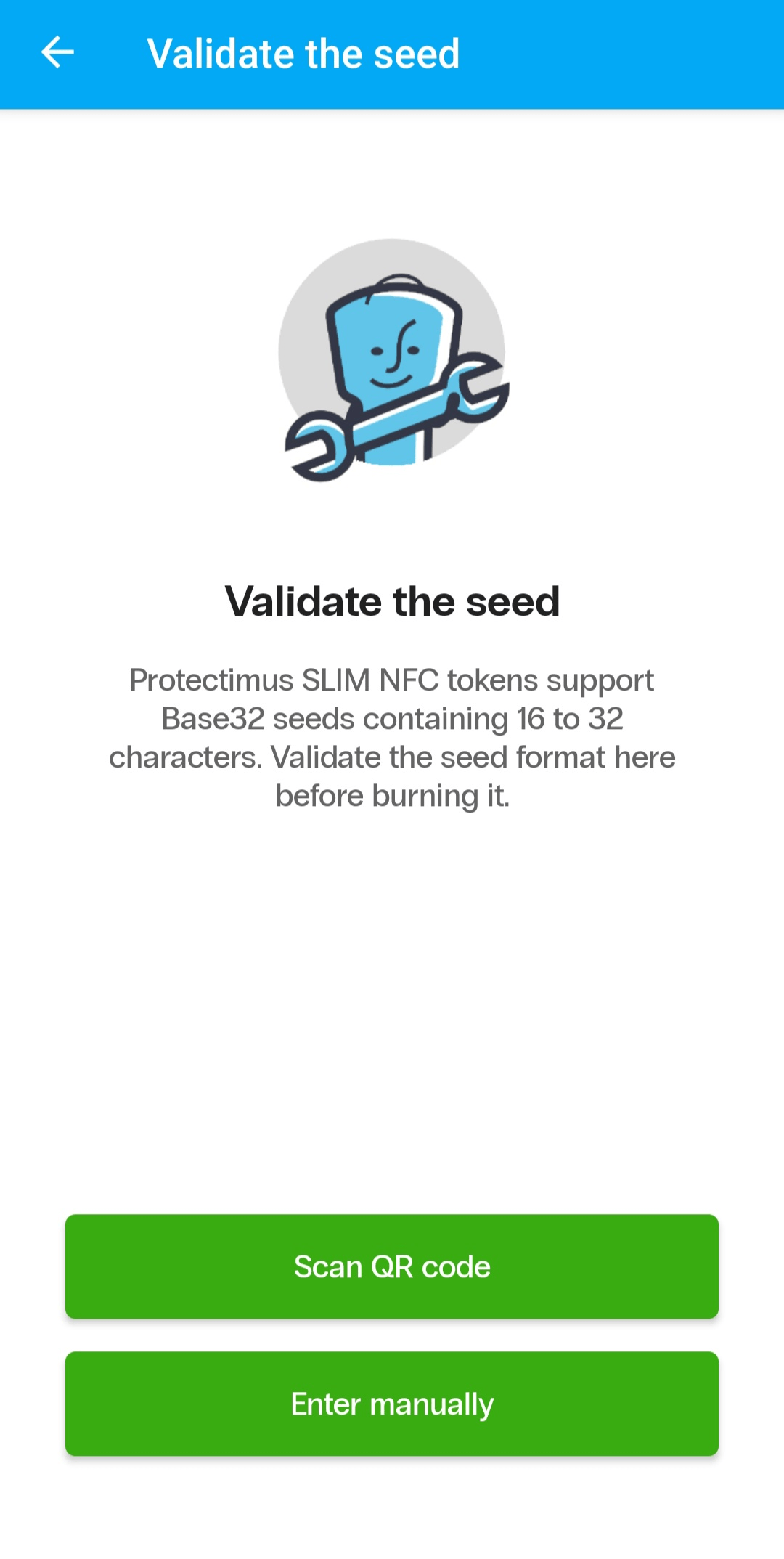
The app checks:
This allows you to identify errors before programming begins and avoid failed attempts to write the key to a token.
Using NFC, the app can read technical information from a hardware token, including:
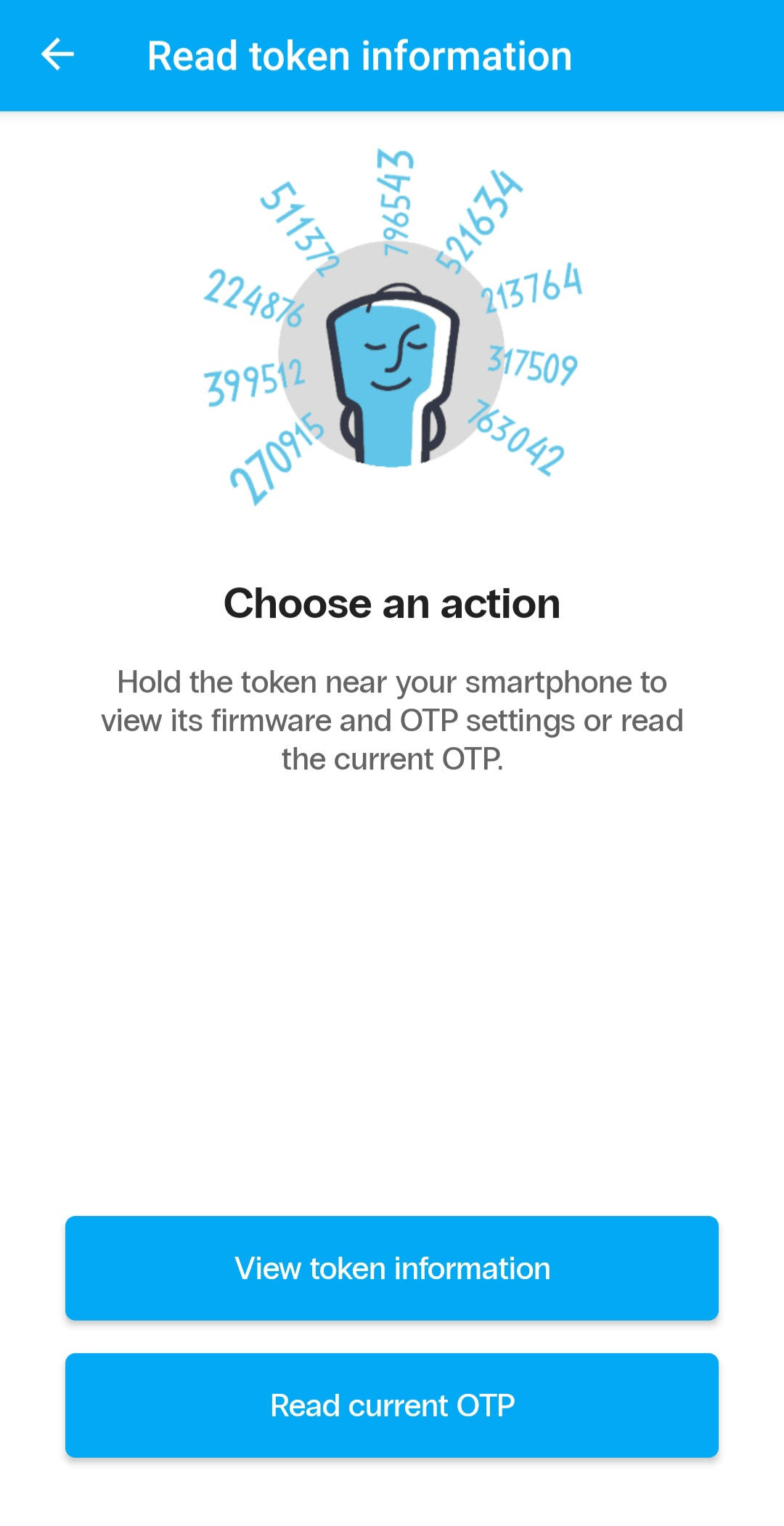
Protectimus TOTP Burner can also read the current one-time password generated by the token.
To read the token information or current OTP, turn on the token and hold it near the smartphone’s NFC antenna.
Berserk Mode is designed for semi-automated programming of large batches of hardware tokens. It reduces the number of manual steps required: once a programming session has started, the user only needs to present each token to the smartphone one after another.
Before starting, select the OTP time interval:
The selected interval will be applied to all tokens programmed during the session.
Berserk Mode supports two programming workflows: Hit List and Wild Burn.
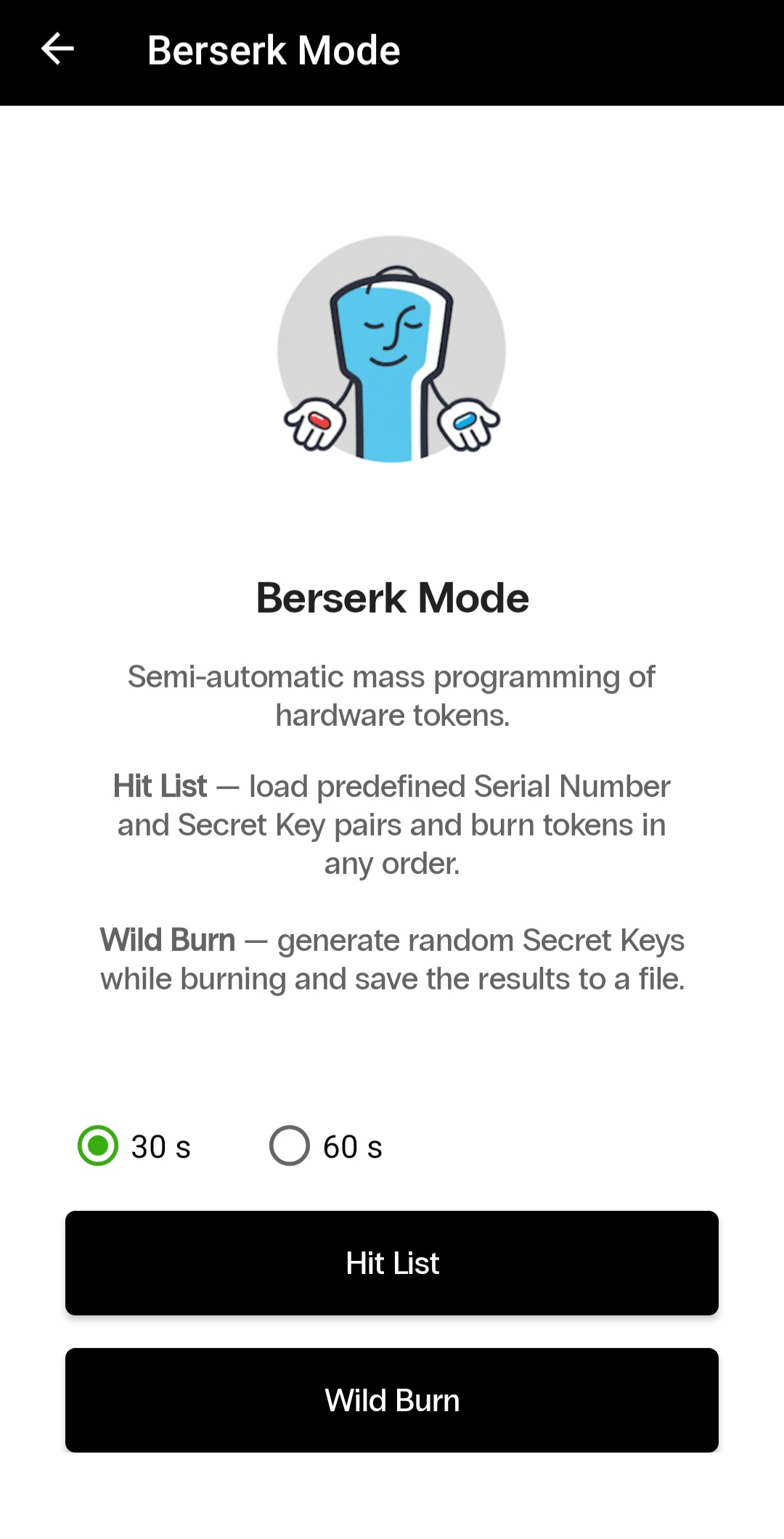
Hit List is used when token serial numbers and their corresponding secret keys have been prepared in advance.
The app reads the serial number of each token presented to the smartphone, automatically finds the corresponding secret key in the uploaded file, and programs the token. This means the tokens can be processed in any order.
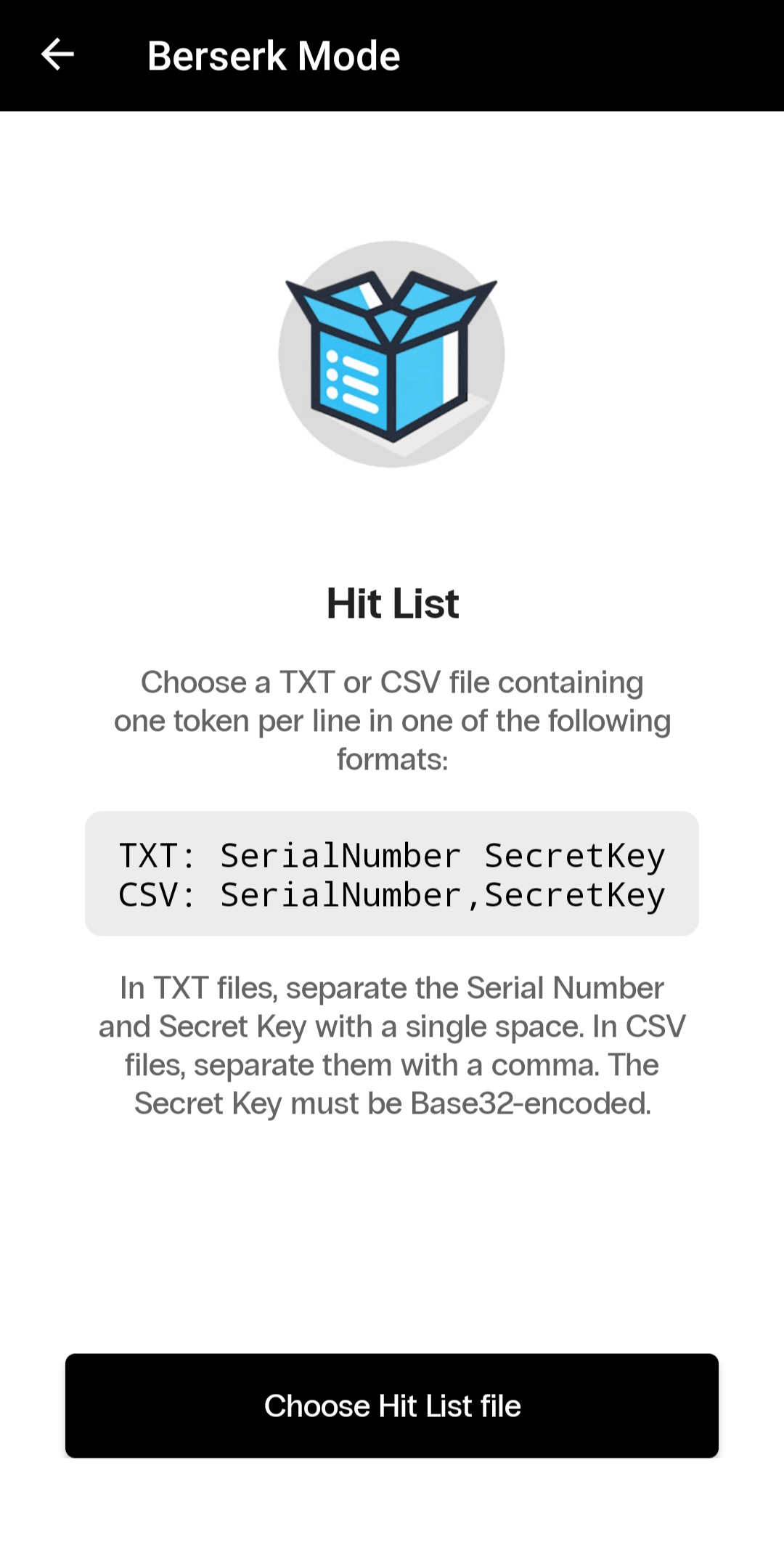
Prepare a TXT or CSV file containing one token per line.
For a TXT file, use the following format:
SerialNumber SecretKeyFor example:
TWO0000001 JBSWY3DPEHPK3PXP
TWO0000002 KRSXG5DSNFXGOIDB
FLX0123456 MFRGGZDFMZTWQ2LK
In a TXT file, the serial number and secret key must be separated by a single space. In a CSV file, they must be separated by a comma.
Important requirements:
If the serial number of a token is not found in the uploaded list, the app will not program the token and will display a corresponding message.
The app also prevents a token that has already been processed during the current session from being programmed again.
If all tokens in the list are programmed successfully, the app will notify you that the batch has been completed.
If only some of the tokens have been programmed, you can save two separate files:
If no tokens were programmed, no separate completion screen is displayed. The app returns to the main Berserk Mode screen.
Wild Burn is used when secret keys have not been generated in advance.
For each token, the app automatically generates a new cryptographically random secret key, writes it to the token, and adds the result to the current session.
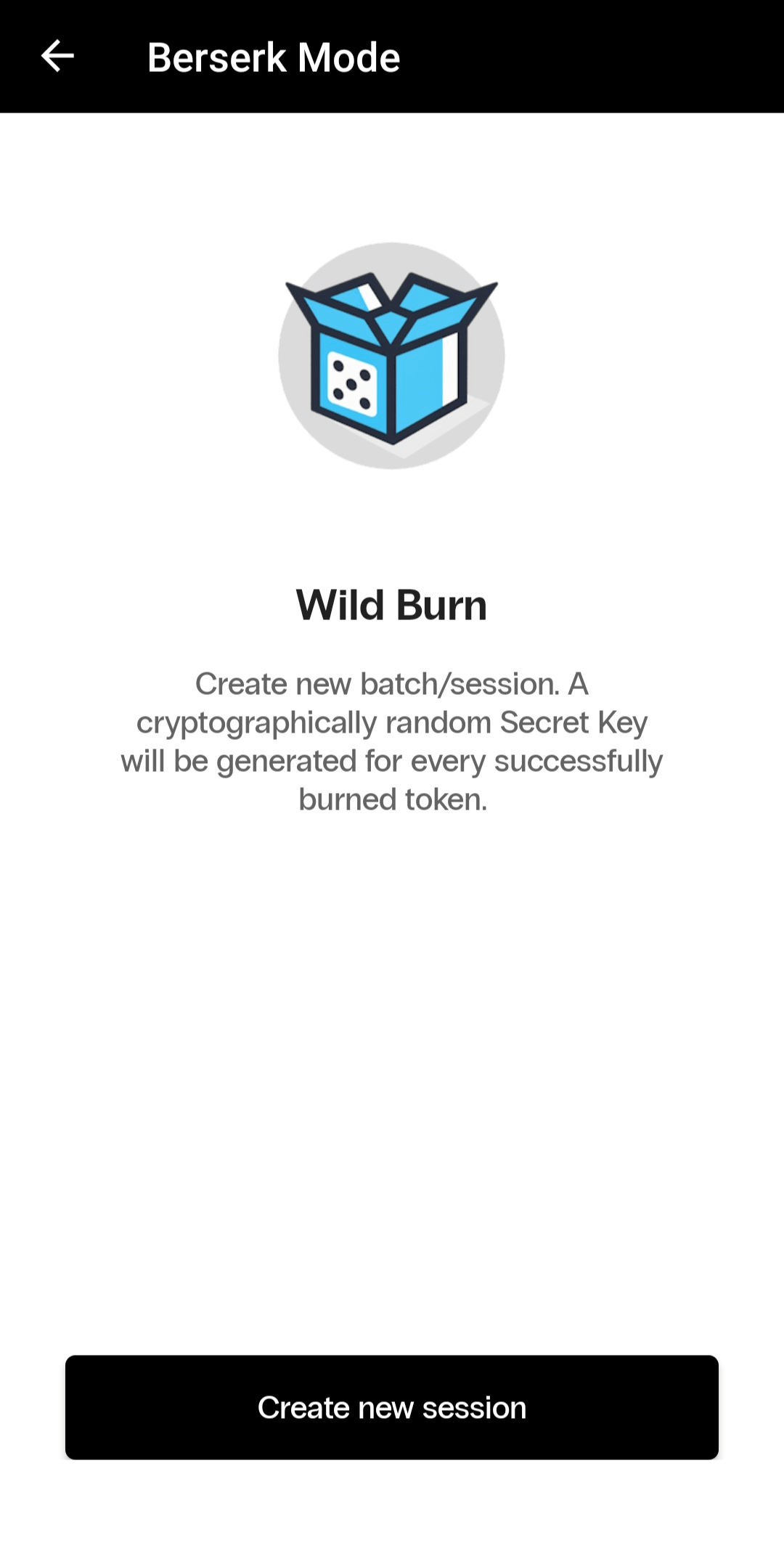
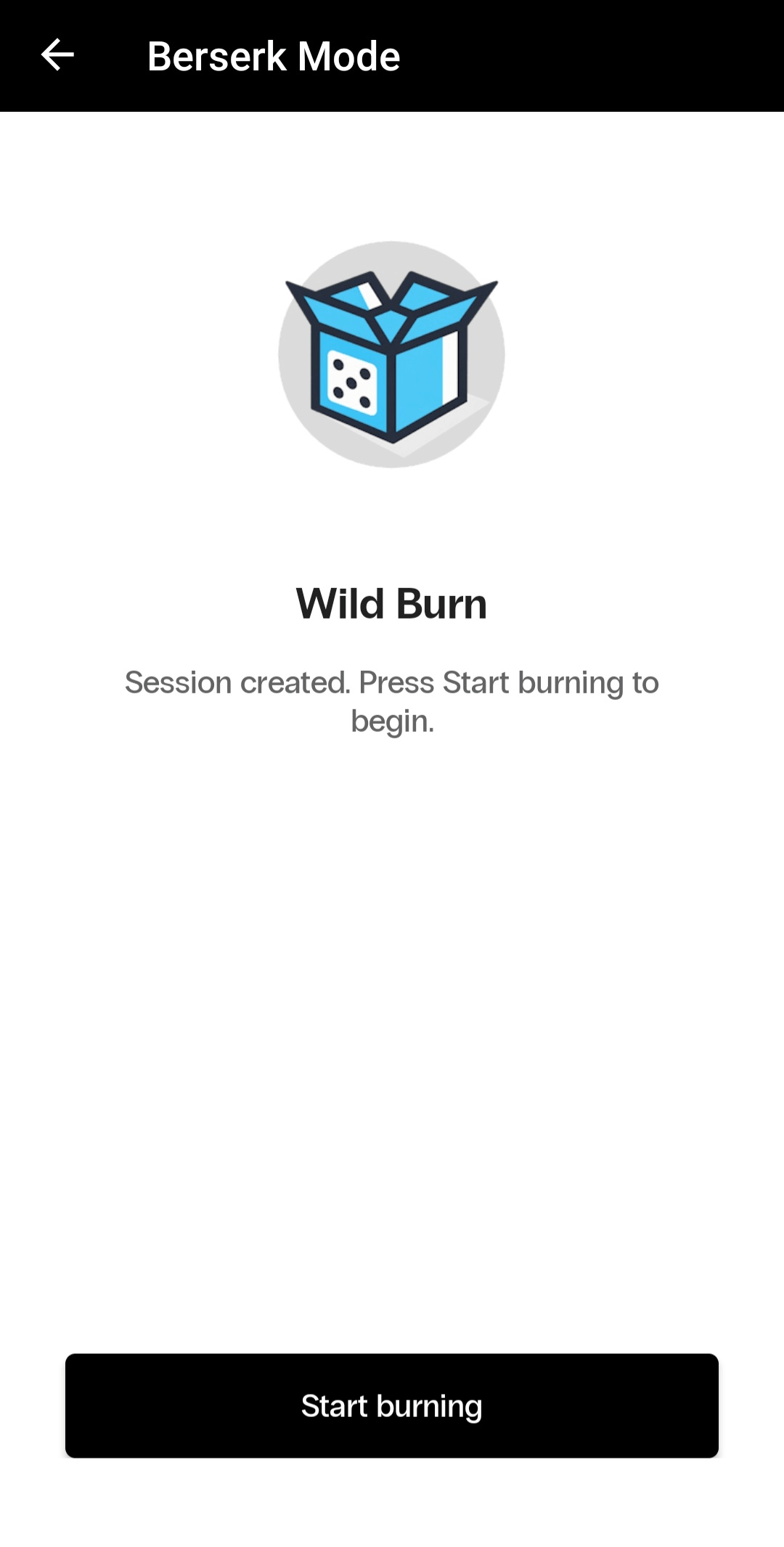
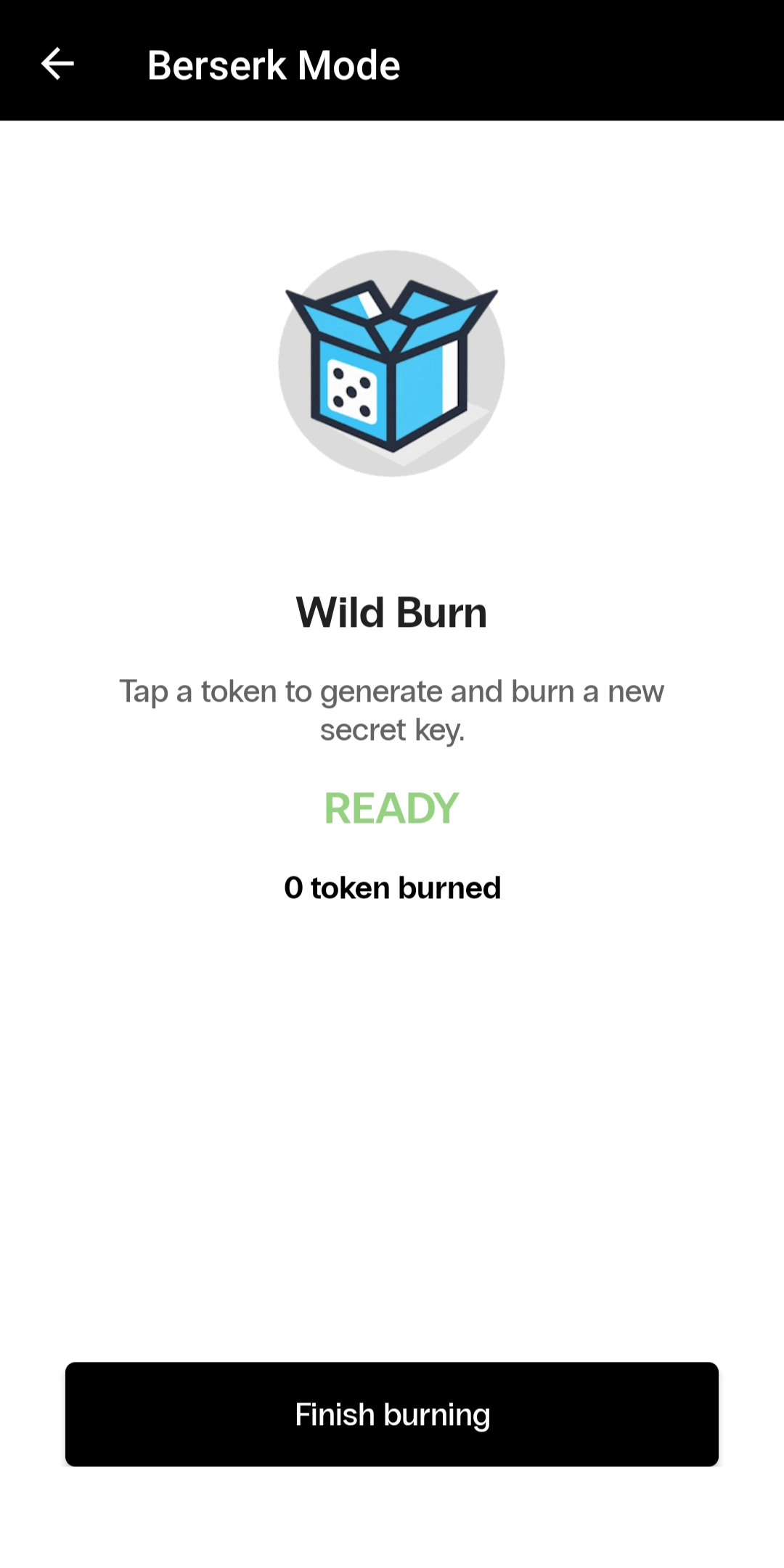
After completing the session, you can save a CSV file containing the data for all successfully programmed tokens.
The file contains:
If you end the session before programming the first token, the app returns to the main Berserk Mode screen without creating an empty file.
Secret keys are used to generate one-time passwords, so files containing these keys must be protected against unauthorized access.
We recommend that you:
Protectimus TOTP Burner provides the essential tools for working with Protectimus programmable hardware tokens:
The app can be used both to configure individual hardware tokens and to prepare large batches of tokens for deployment in corporate environments.
If you have any questions, contact our support team.










