



Protectimus provides two deployment options for multi-factor authentication server:
- SaaS Service — a cloud-based solution hosted by Protectimus.
- On-Premise Platform — an on-premises solution deployed in the customer’s environment.
This guide describes how to get started with the Protectimus SaaS Service.
Instructions for installing the On-Premise Platform are available in the Protectimus On-Premise Platform Installation Guide.
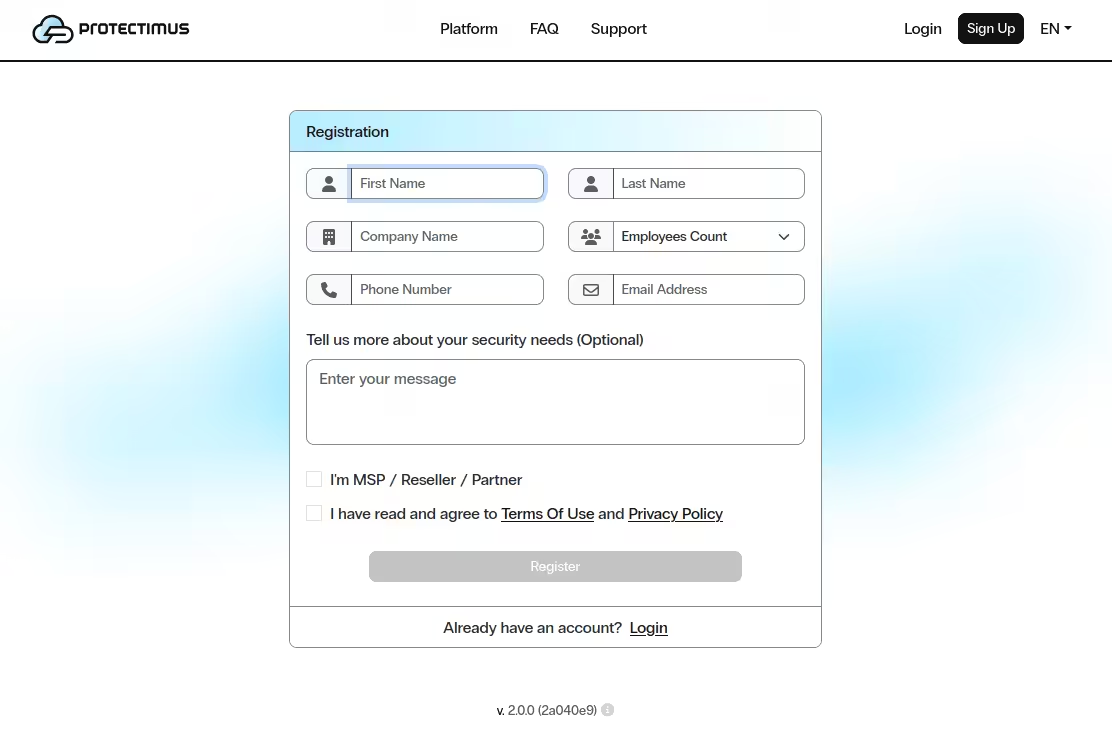
To register in the Service open the registration page https://service.protectimus.com, fill out the registration form and click Register.
The confirmation email will be sent to the provided email address. After clicking the link in the email your address will be confirmed and you will be able to use Protectimus cloud-based authentication Service.
When using the Service, you’ll need to activate a payment plan for the API. To do so, navigate to the “Service plans” page at https://service.protectimus.com/panel/tariffs and activate the plan you’d like to use.
Your account won’t be charged until you activate a plan, but you won’t be able to use the API until you do so. You can also deactivate a payment plan at any moment if for some reason you won’t need to use the service for more than one day. When you deactivate a plan, a one-time fee is charged to your account for that day, according to the rates in the active plan. When a plan is active, you’ll be charged once per day automatically.
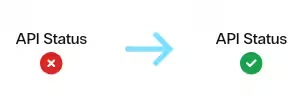
After activating a payment plan, the API status icon will change to the “enabled” state, indicating that the service is ready for operation through the API.
Integrate the Protectimus Cloud Service with the system you plan to protect with two-factor authentication and configure the necessary settings. To do this, download the instructions and the integration component you require on the Docs page: https://www.protectimus.com/integrations/.
Basic settings, required for the operation of Protectimus two-factor authentication Service or Platform, include:
Also, some additional features are available:
If you have any questions or need assistance at any stage, contact Protectimus support — our team will be happy to help.










