Guides
Collapse SaaS Service

How to Enable Intelligent Identification in SaaS MFA Service

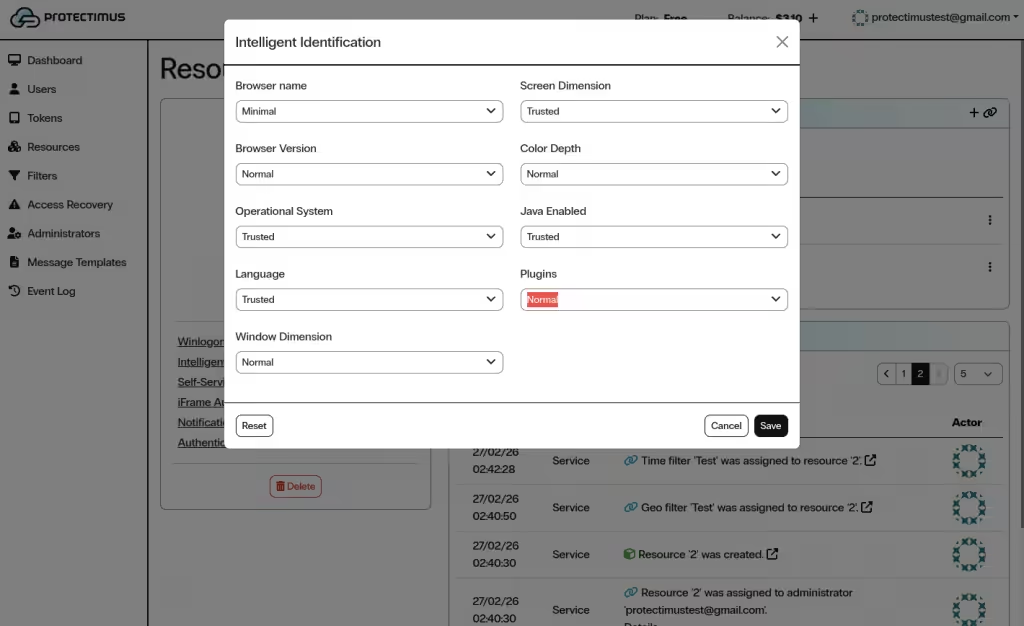
This feature may also be referred to as smart identification or user environment analysis. The Intelligent Identification function analyzes the user’s environment (browser name and version, operating system and language, window size and screen resolution, color depth, presence or absence of Java, plugins, etc.). If the configured mismatch threshold is exceeded, the user will be blocked and will not be able to access their account even with a one-time password.
How to Activate Intelligent Identification


  1. Log in to your Protectimus SaaS Service account.
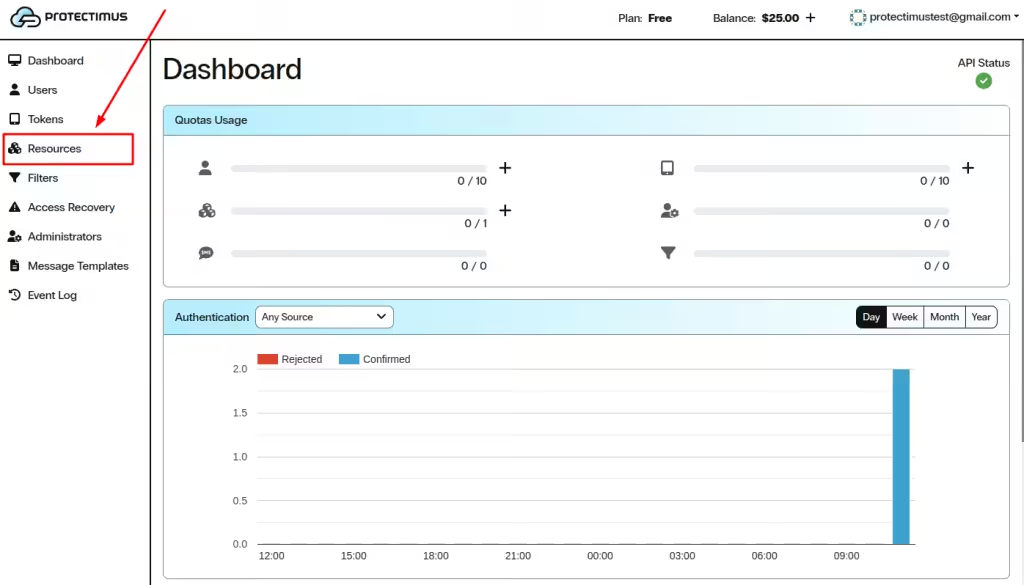
  2. In the left-side menu, click Resources.

Go to Resources in Protectimus SAAS MFA Service
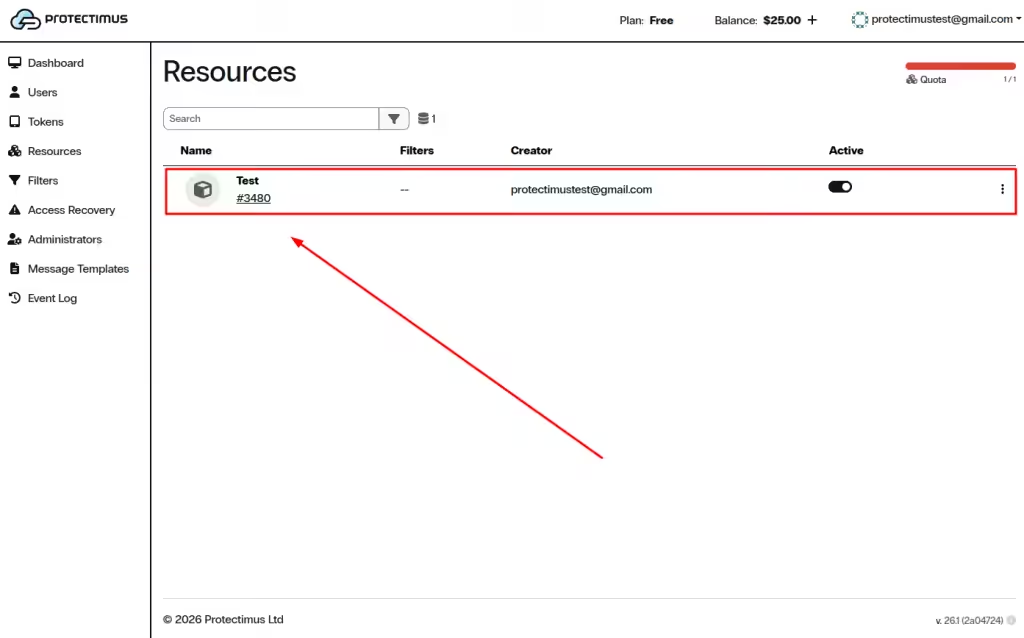
  1. In the list, click the name of the required Resource.

Find the required Resource in the list and click its name
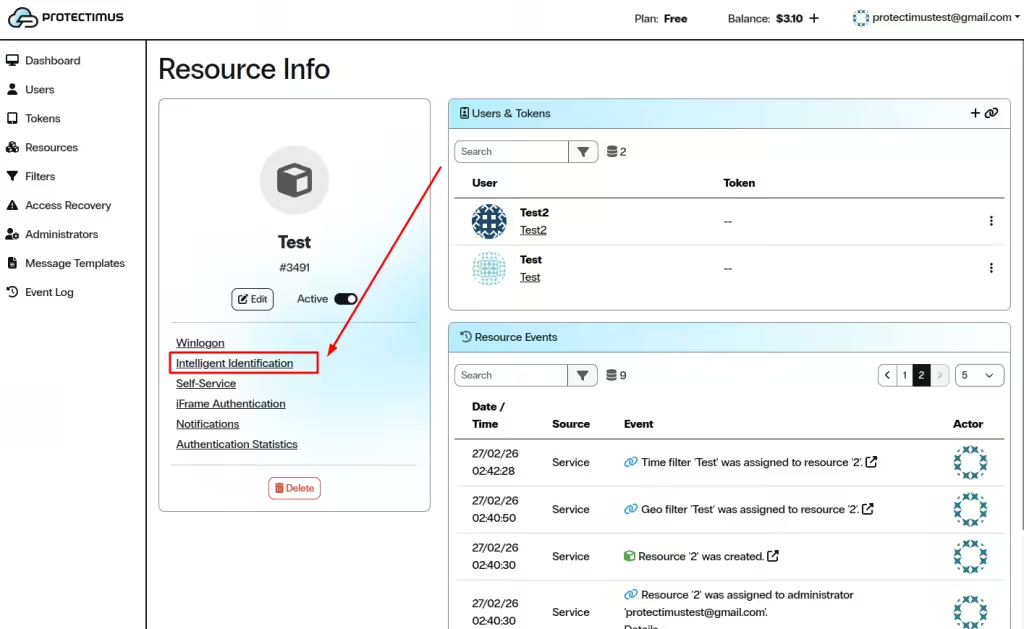
  1. Go to the Intelligent Identification tab.

Go to the Intelligent Identification tab
  1. Set the desired parameter “weight” (minimal, normal, or trusted), then click Save.

Set the desired “weight” of each parameter
If you have any questions, please get in touch with Protectimus customer support service.
    This site is registered on wpml.org as a development site. Switch to a production site key to remove this banner.
    Table of Contents