



Protectimus provides two deployment options for multi-factor authentication:
- SaaS Service — a cloud-based solution hosted by Protectimus.
- On-Premise Platform — an on-premises solution deployed in the customer’s environment.
This guide describes how to get started with the Protectimus On-Premise Platform.
Instructions for getting started with the Protectimus SaaS Service are available in the Guide to Setting Up Cloud-Based Two-Factor Authentication.
Comprehensive instructions for installing the Protectimus On-Premise Platform are available in the Protectimus On-Premise Platform Installation Guide.
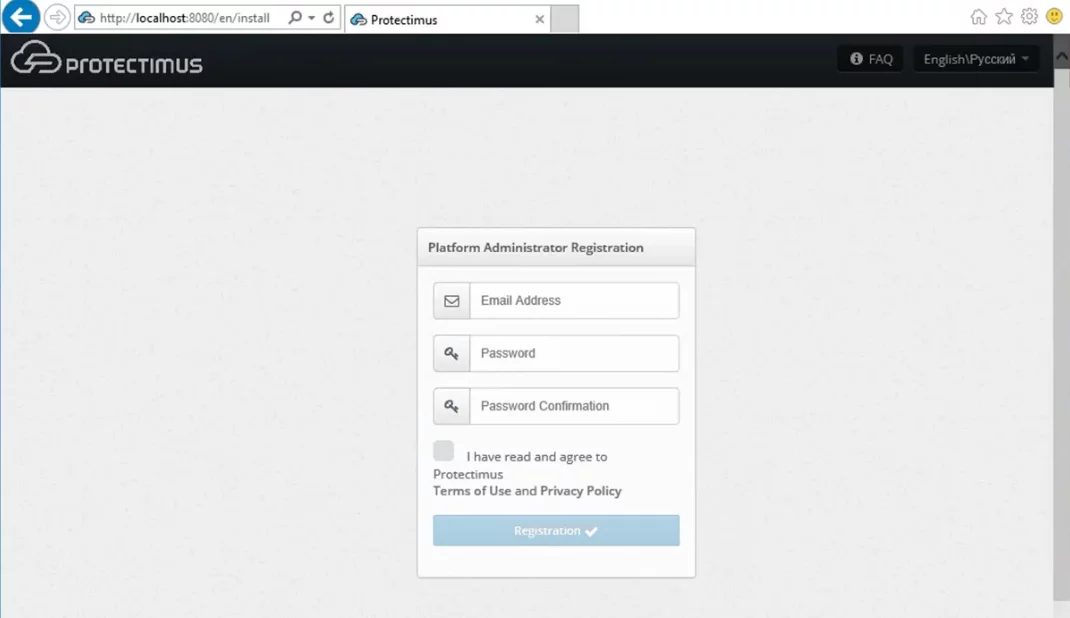
When you finish the installation of the On-Premise Platform, the installer will automatically open the registration form at http://localhost:8080 or https://localhost:8443.
Create an administrator account and log in.
Basic settings required for the operation of the Protectimus Two-Factor Authentication Platform include:
Note: If you plan to use Protectimus BOT, Protectimus MAIL, or Protectimus SMS tokens to deliver one-time passwords to your users, follow these instructions to set up the OTP delivery methods:
Also, some additional features are available:
Integrate the Protectimus On-Premise MFA Platform with the system you want to secure with two-factor authentication. To do this, find the relevant integration guide on the Integrations page.
If no suitable integration guide is available, contact Protectimus support.
After testing the Protectimus Platform successfully, you’ll need to get a license.
Instructions for getting a license are available in the How to Pay and Activate the License section of the Platform installation guide.
If you have any questions or need assistance at any stage, contact Protectimus support — our team will be happy to help.










