



Protectimus ofrece dos opciones de implementación para el servidor de autenticación multifactor:
- Servicio SaaS: solución en la nube alojada por Protectimus.
- Plataforma local: solución instalada en el entorno del cliente.
Esta guía explica cómo empezar a utilizar el servicio SaaS de Protectimus.
Las instrucciones para instalar la plataforma local están disponibles en la guía de instalación de la plataforma local de Protectimus.
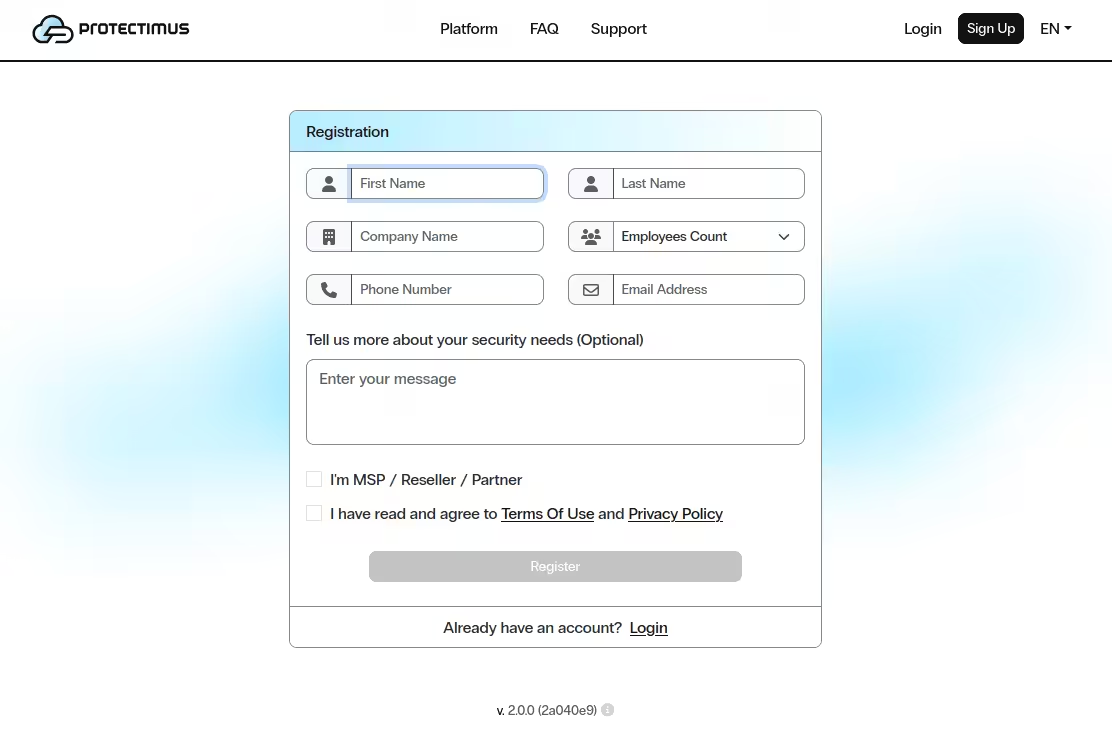
Para registrarse, abra la página https://service.protectimus.com/, complete el formulario y haga clic en Register.
Se enviará un mensaje de confirmación a la dirección indicada. Después de abrir el enlace, su correo quedará confirmado y podrá utilizar el servicio de autenticación en la nube de Protectimus.
Para utilizar la API debe activar un plan de pago en la página Service Plans: https://service.protectimus.com/panel/tariffs y activar el plan que desee.
No se realizará ningún cargo hasta que active un plan, pero la API tampoco estará disponible hasta entonces. Puede desactivar el plan en cualquier momento si, por algún motivo, no necesita utilizar el servicio durante más de un día. Al desactivar un plan, se cobrará un cargo único por ese día de acuerdo con las tarifas del plan activo. Mientras el plan esté activo, el cargo se realizará automáticamente una vez al día.
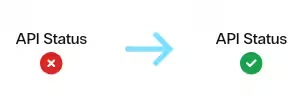
Después de activar el plan, el indicador de estado de la API cambiará a Enabled, lo que indica que el servicio está listo para funcionar a través de la API.
Integre el servicio en la nube de Protectimus con el sistema que desea proteger mediante autenticación de dos factores y configure los ajustes necesarios. Para ello, descargue las instrucciones y el componente de integración correspondiente desde la página Docs.
Los ajustes básicos del servicio o la plataforma Protectimus incluyen:
También están disponibles funciones adicionales:
Si tiene alguna pregunta o necesita ayuda en cualquier etapa, póngase en contacto con el soporte de Protectimus: nuestro equipo estará encantado de ayudarle.










