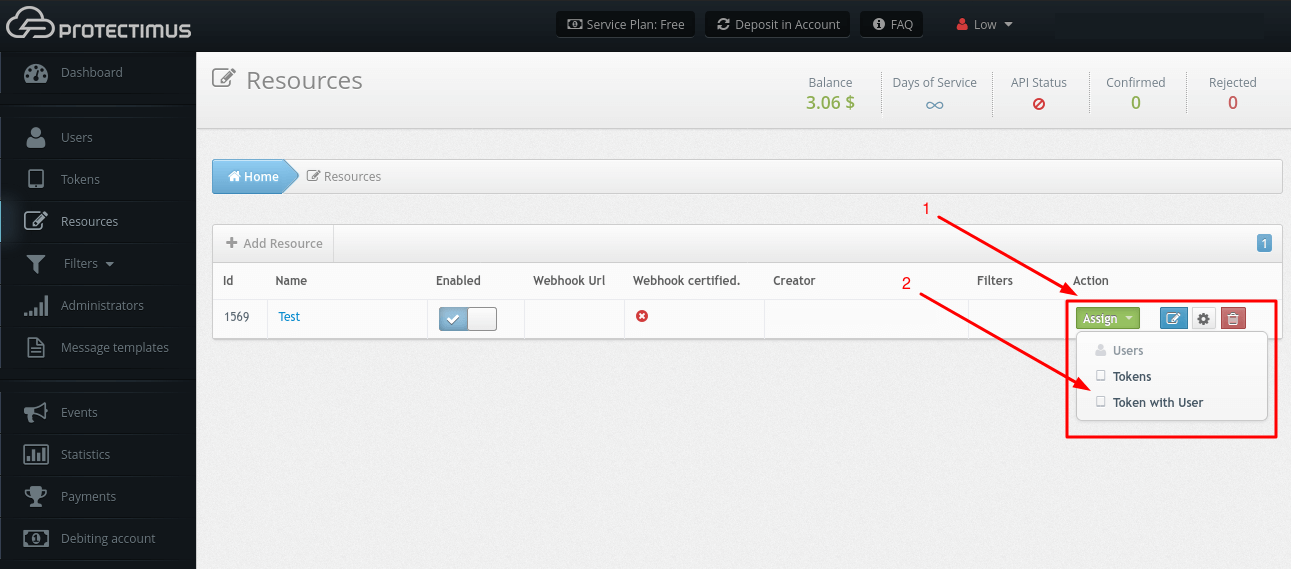
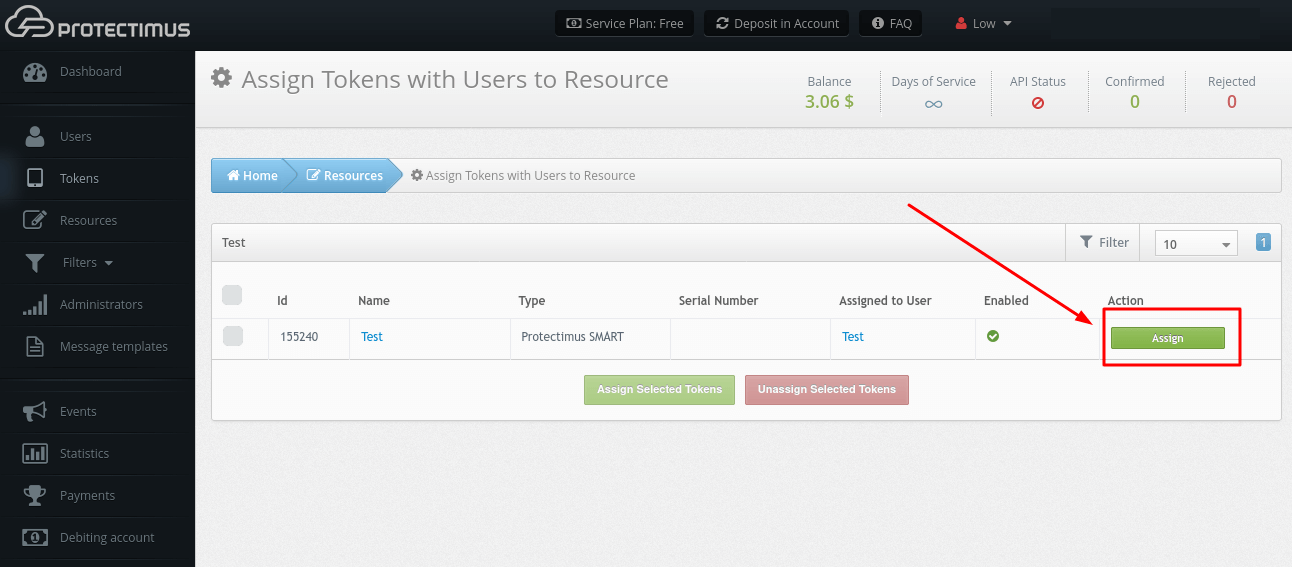
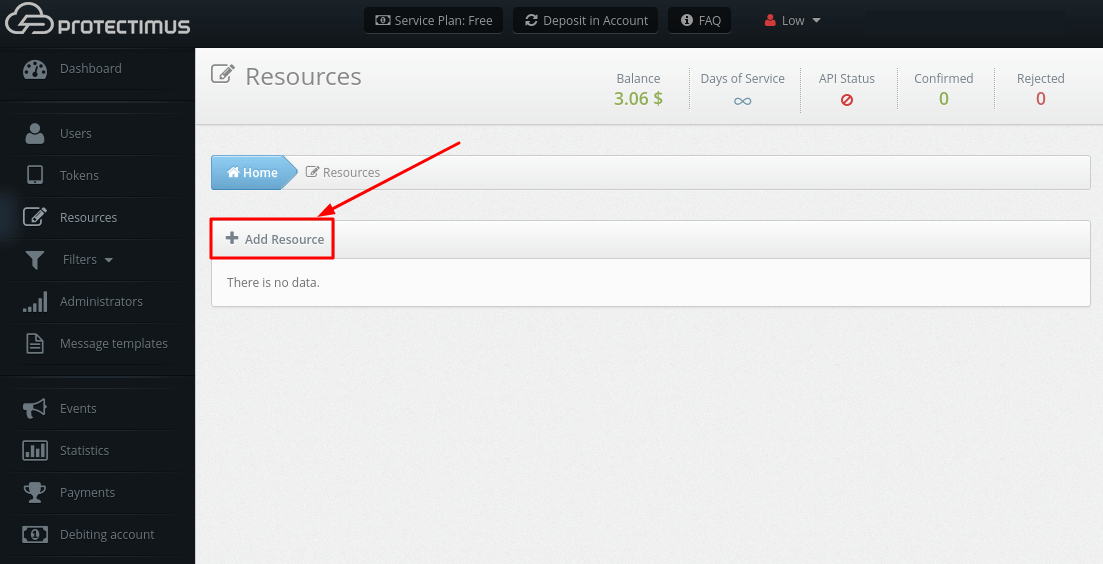
Resources serve as a means to group Users. For example, if you need to protect the users of various web projects or the employees of different departments, you may add several Resources.
The number of Resources (projects) that you may create depends on the Service Plan you select. If you need to create more Resources, please select the desired or required number of Resources by customizing your Service Plan.
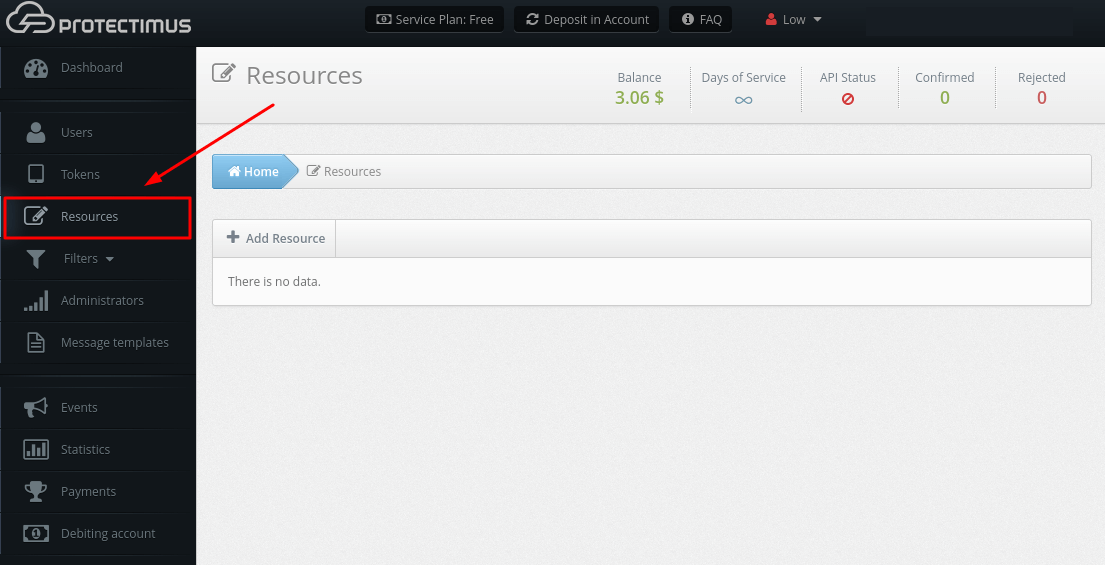
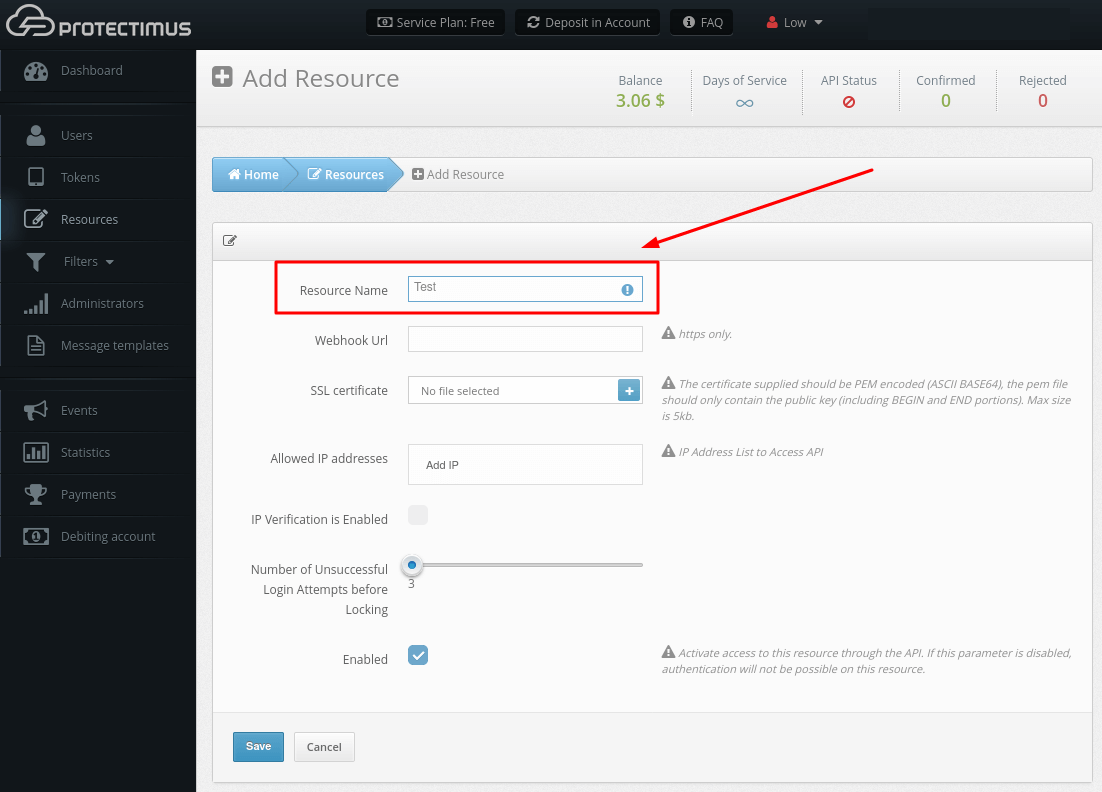
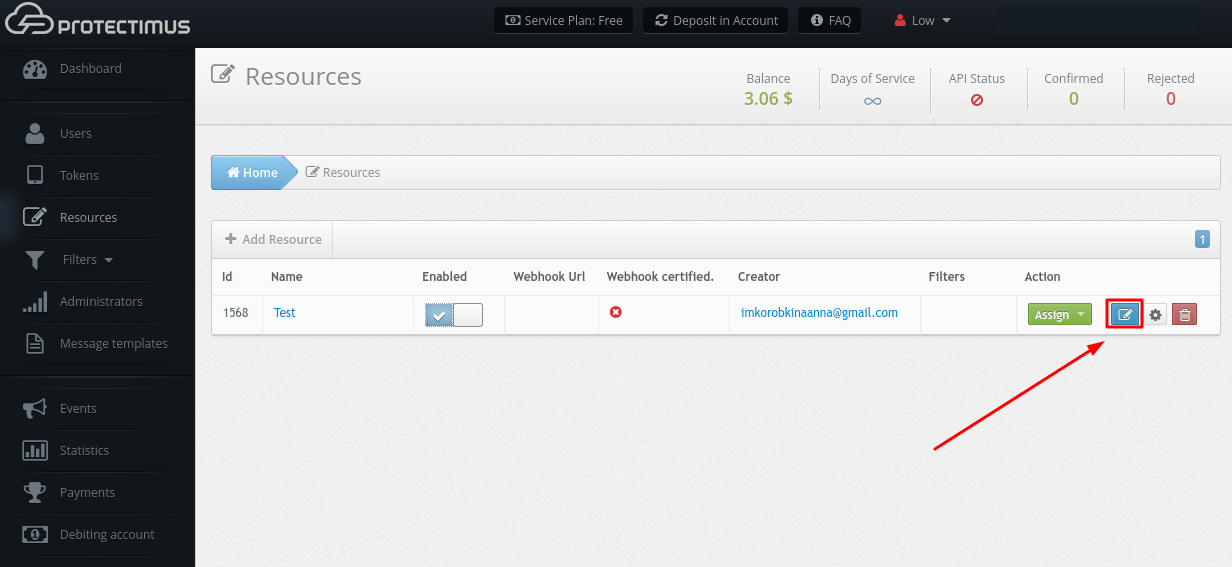
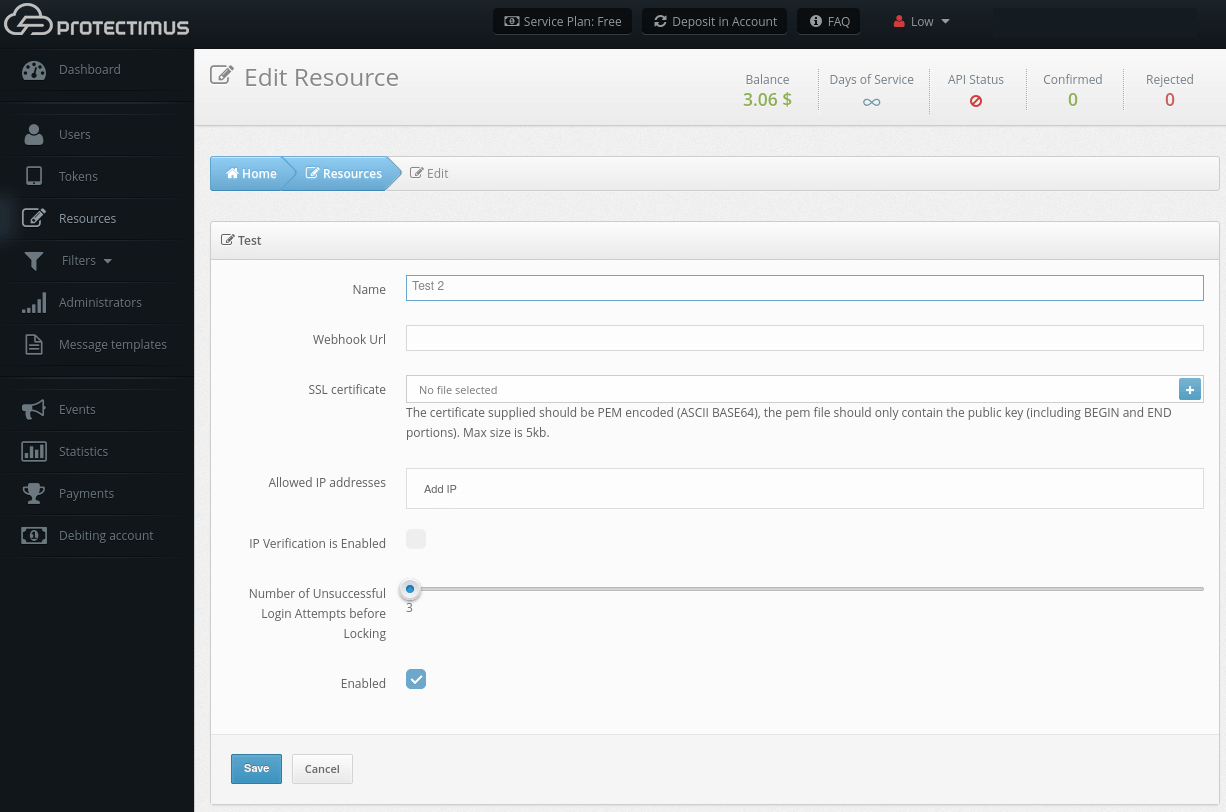
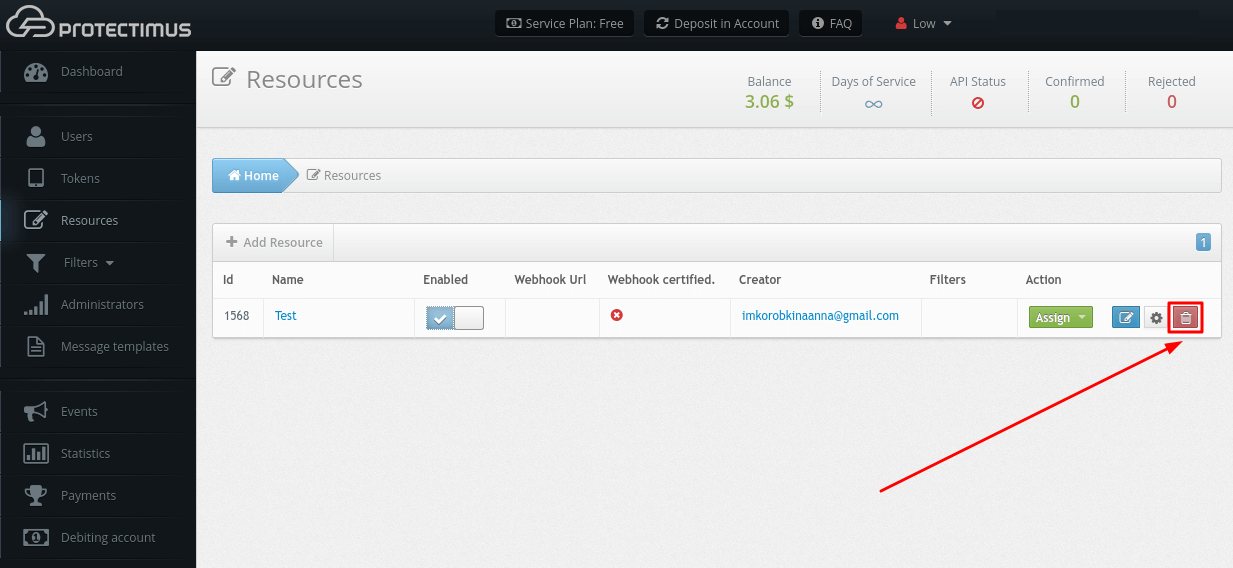
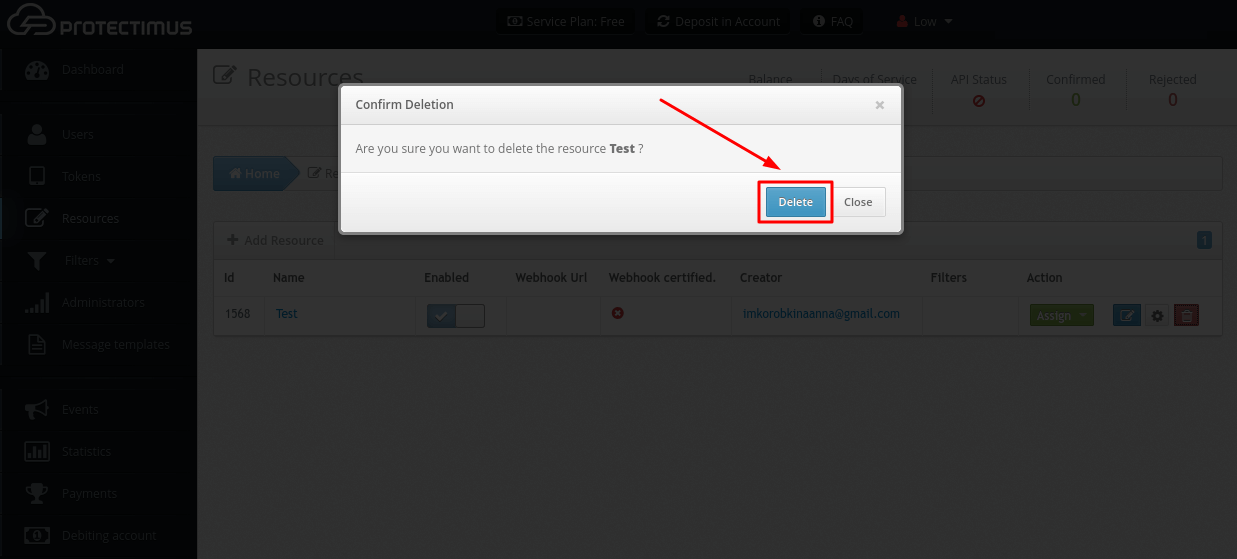
A Resource may be deleted only by the Administrator who created it or by the chief system administrator.
Users and Tokens must be assigned to the Resource, otherwise Users will have no access to this Resource and Tokens won’t work. The method of assigning a User to a Resource depends on the authentication method selected. Protectimus supports several user authentication methods:
- User authentication with a static password. This method requires that a User should have a password, and that this User should be assigned to the Resource.
- User authentication with a one-time password. This method requires that a User should have a Token, and that this User should be assigned to a Resource WITH this token. This method will not work if a User and a Token are assigned to a Resource separately from each other.
- User authentication with a static password and a one-time password. It is a combination of the two methods described above. A User must be assigned to a resource WITH a token. This User must have a password. If a User’s Token is deactivated, OTP authentication will not be performed, in which case only this User’s static password and this User’s compliance with the filters’ requirements, if any, will be authenticated.
- Token authentication on a resource. This method allows you not to assign a Token to any specific User, but simply to verify the validity of a one-time password generated by the Token. This method requires that a Token should be assigned to a Resource.
PLEASE NOTE! You may assign only Users or only Tokens if you choose User authentication with a static password or Token authentication on a resource.