Hardware and Software OTP Tokens for Two-Factor Authentication
Protectimus offers hardware and software OTP tokens for 2FA/MFA: classic hardware TOTP tokens and programmable hardware TOTP tokens configured via NFC, plus an authenticator app and OTP delivery via chatbots, SMS, email, and push. All of them work with the same Protectimus Cloud MFA service or On-Premise Platform, so the choice comes down to whether your users can rely on a personal smartphone, not which provider to use.
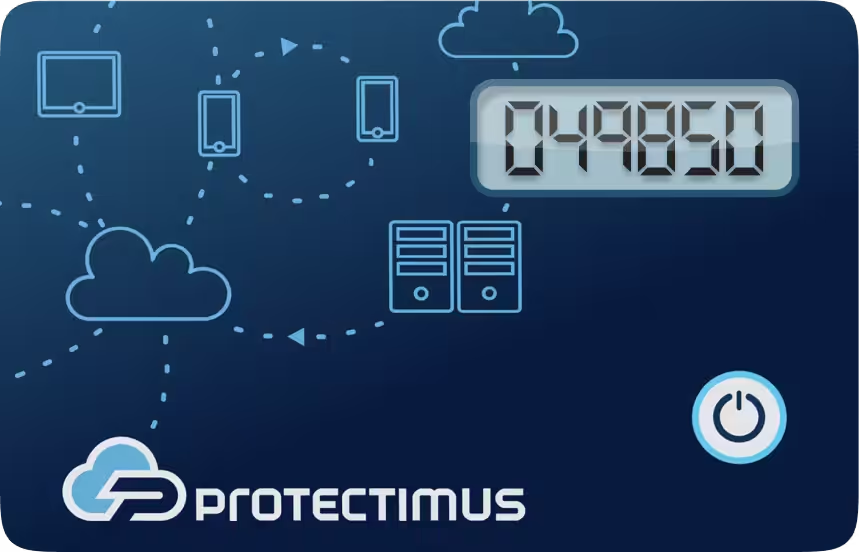
Protectimus Slim NFC
Protectimus TWO
Protectimus FLEX
Protectimus SHARK
Protectimus SMART
Protectimus BOT
Protectimus SMS
Protectimus MAIL
Protectimus PUSH
Hardware
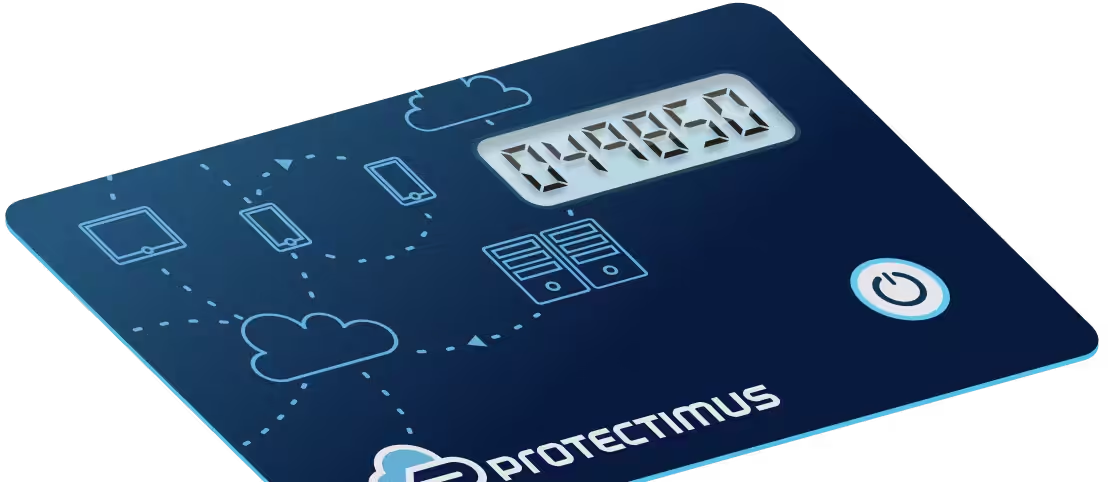
Protectimus Slim NFC
Programmable hardware TOTP token in a card format that fits any authentication system
Software
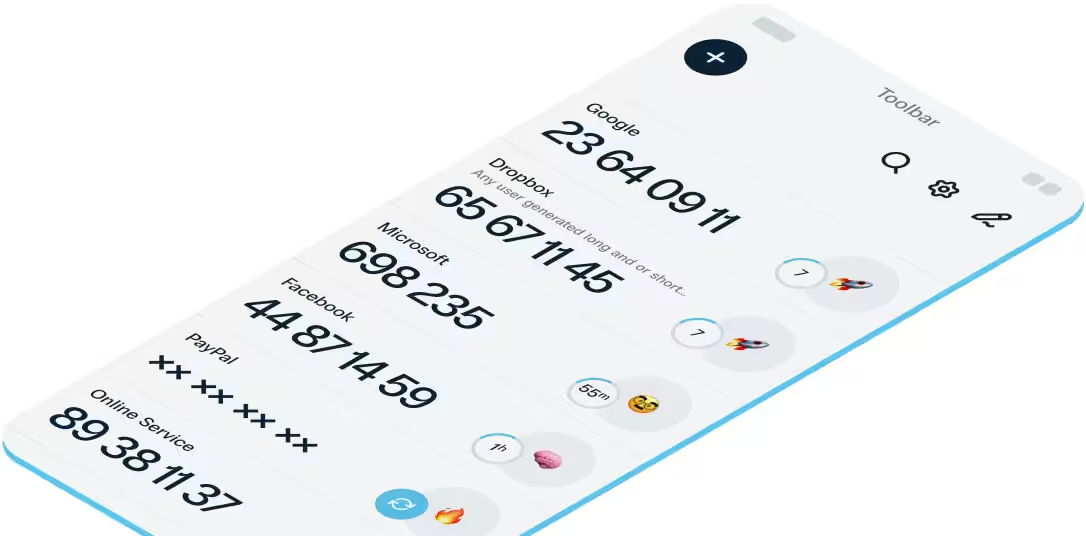
Protectimus SMART
A free 2FA authenticator app with cloud backup, easy token transfer to a new phone, PIN and biometric authentication protection
Types of Tokens
Classic hardware TOTP tokens
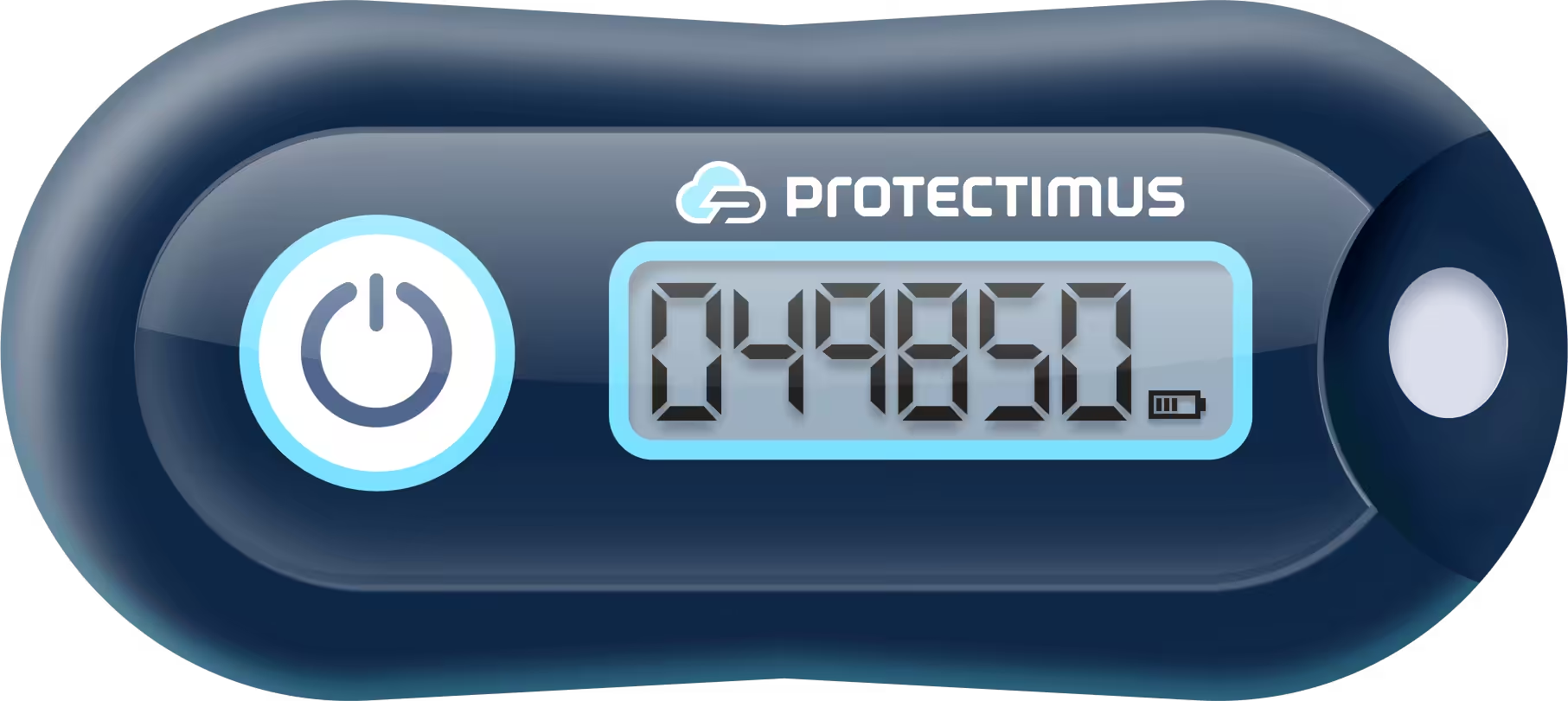
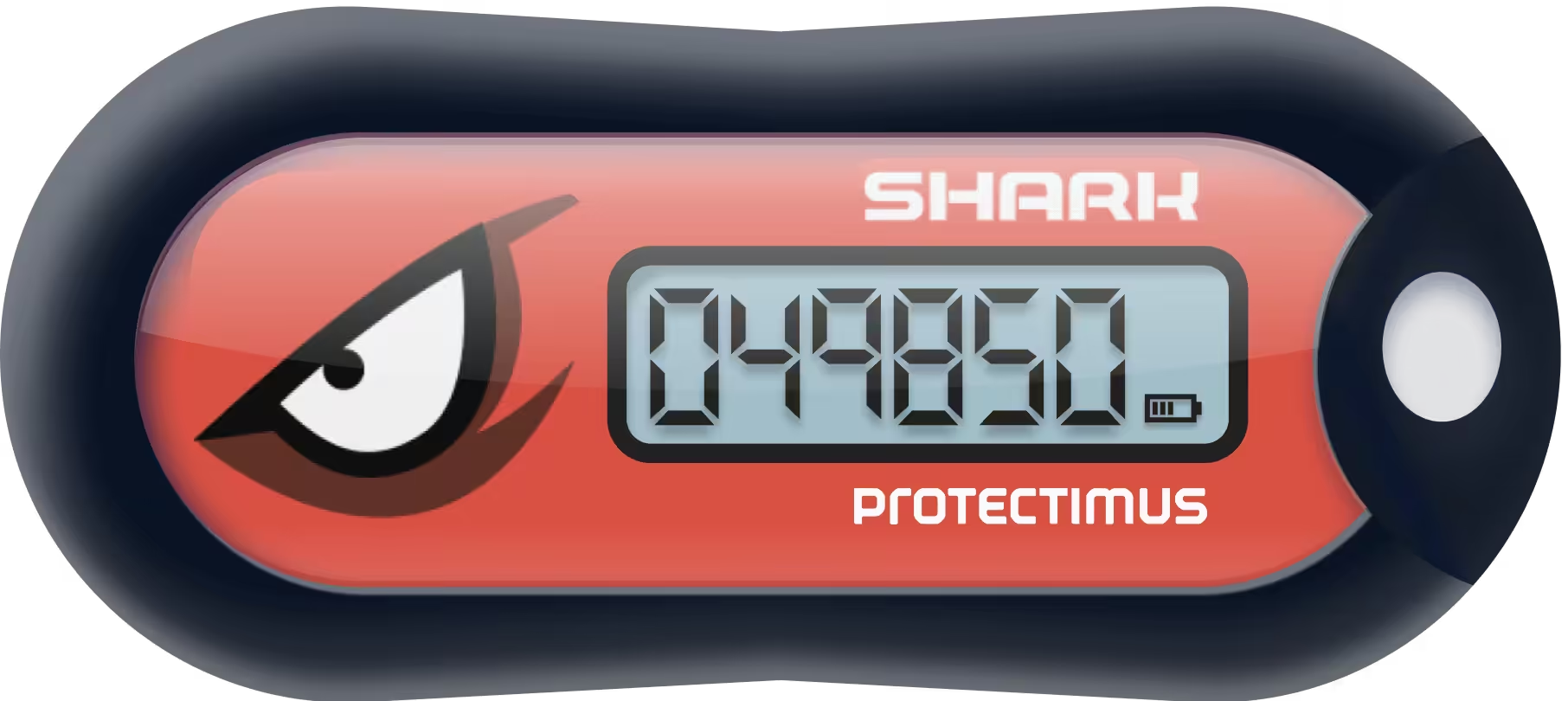
Protectimus TWO (SHA-1) and Protectimus SHARK (SHA-256) come with a factory-programmed secret key. Protectimus provides the secret keys (seeds) for purchased tokens, allowing administrators to register them with compatible OATH TOTP systems. The authentication server must support adding these secret keys.
Programmable hardware tokens
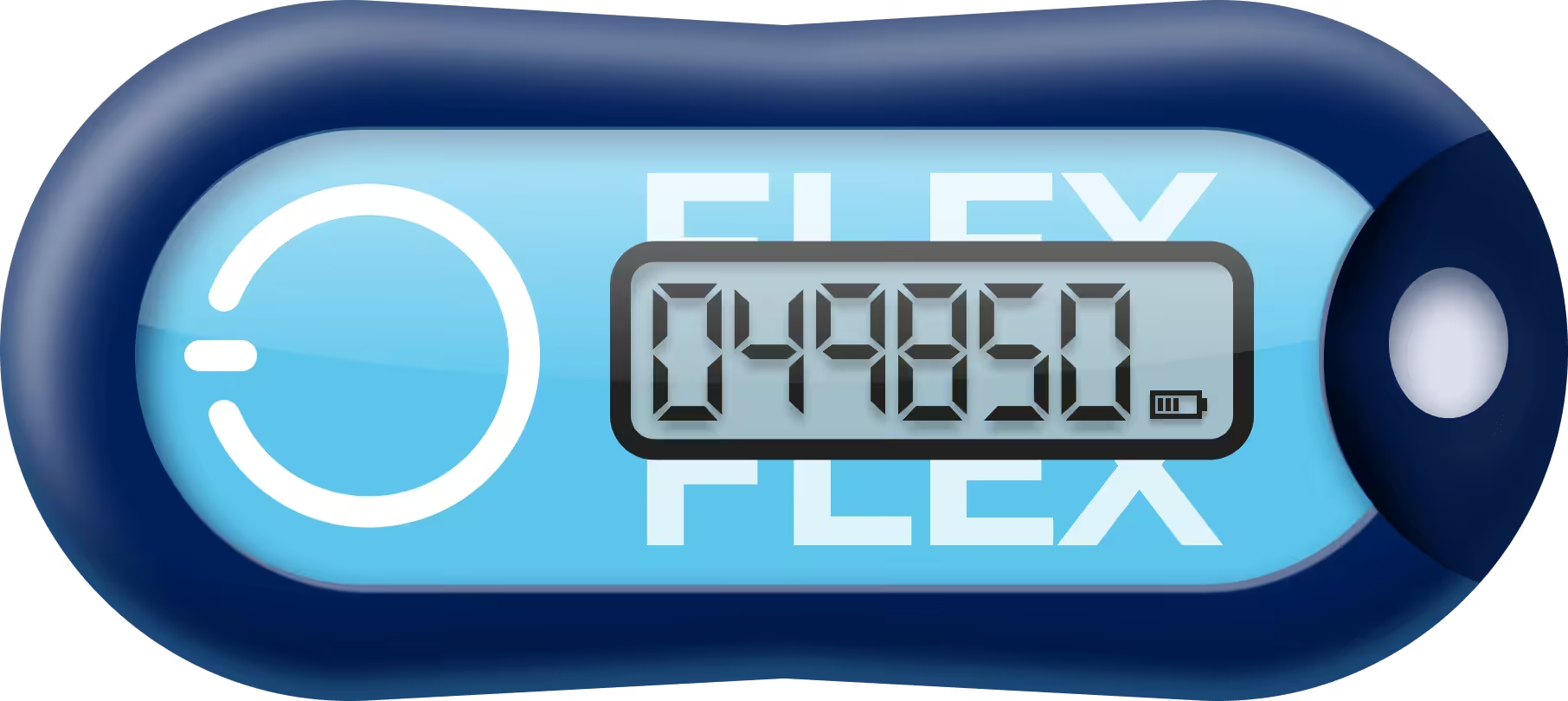
The programmable TOTP token Protectimus Flex (key fob) and Protectimus Slim NFC token (card format) work with many services that support authenticator apps but not traditional hardware tokens. Both can also be reseeded, so the same physical device can be set up for a new account without replacing the hardware.
Authenticator apps
and delivery methods
Protectimus SMART is a free authenticator app with cloud backup and Push authentication. Protectimus BOT delivers OTPs through Telegram, Viber, or Facebook Messenger at no cost. OTPs can also be delivered via SMS or email.
How to Choose a Token
Hardware tokens fit accounts that can’t rely on a personal smartphone: staff without company phones, or environments where personal devices are restricted. Software methods (an authenticator app or chatbot) work well when every user already carries a smartphone and installing an app isn’t a constraint. For a closer look at the trade-offs, including battery life, portability, cost, and device risk, see hardware or software token: which one to choose.
Use Cases
For a deployment example with a specific enterprise identity provider, see hardware tokens for Azure MFA.
Enterprise deployments
Organizations standardizing MFA across hundreds or thousands of accounts often mix token types, with hardware for privileged accounts and apps for general staff.
No smartphone required
Field staff, warehouse workers, and frontline employees get a working MFA method without installing anything on a personal device.
Shared workstations
Each employee signs in with a personal account and a personal hardware token, so access stays individual even when the computer is shared.
Here's what our customers say
-
SICIM
-
DXC
-
Volet
At the moment, my assessment of the company’s work is 10 out of 10. An important factor in choosing this two-factor authentication provider was the possibility of customizing the 2FA system for our project. After we got in touch with the Protectimus team and explained the task, they implemented the necessary functionality for us free of charge. There were no problems. Everything works well.
Cristian G, System Administrator at SICIM
Protectimus was chosen because of their unique Dynamic Strong Password Authentication (DSPA) technology. Using this product, we added 2FA to all the systems we needed to protect in one fell swoop, as it allowed us to integrate two-factor authentication services straight with Active Directory. We have been using the Protectimus two-factor authentication platform for a year and are satisfied with this product.
Mauro S., Xchanging Italy a DXC Technology
Over the past years, we’ve had only positive cases of working together. Protectimus helped us at every stage, from integration to adding additional features that solved our specific tasks. Using Protectimus, we are confident that Volet infrastructure and users are well protected. Protectimus gives us what money can’t buy – not a sense of security, but REAL security. I highly recommend it for implementation.
Artem Sh., Info Security Director at Volet
Pricing
Hardware OTP Tokens
1
100
500
1000
5000
Protectimus TWO
Classic hardware TOTP token with SHA-1 algorithm support
Protectimus FLEX
Programmable hardware TOTP token in a key fob format that fits any authentication system
Protectimus SHARK
Classic hardware TOTP token with SHA-256 algorithm support
Protectimus Slim NFC
Programmable hardware TOTP token in a card format that fits any authentication system
Hardware OTP Tokens
Protectimus TWO
Classic hardware TOTP token with SHA-1 algorithm support
| 1 | 100 | 500 | 1000 | 5000 |
|---|---|---|---|---|
| $11.99 | $11.49 | $10.99 | $9.99 | $8.99 |
Protectimus FLEX
Programmable hardware TOTP token in a key fob format that fits any authentication system
| 1 | 100 | 500 | 1000 | 5000 |
|---|---|---|---|---|
| $19.99 | $18.99 | $16.99 | $15.99 | $13.99 |
Protectimus SHARK
Classic hardware TOTP token with SHA-256 algorithm support
| 1 | 100 | 500 | 1000 | 5000 |
|---|---|---|---|---|
| $14.99 | $14.49 | $13.99 | $12.99 | $11.99 |
Protectimus Slim NFC
Programmable hardware TOTP token in a card format that fits any authentication system
| 1 | 100 | 500 | 1000 | 5000 |
|---|---|---|---|---|
| $20.99 | $19.99 | $17.99 | $16.99 | $14.99 |
Software MFA Methods
Protectimus SMART
A free 2FA authenticator app with cloud backup, easy token transfer to a new phone, PIN and biometric authentication protection

Software MFA Methods
Protectimus SMART
A free 2FA authenticator app with cloud backup, easy token transfer to a new phone, PIN and biometric authentication protection
FAQ
Do Protectimus tokens work with any MFA provider, or only Protectimus?
All Protectimus hardware tokens are OATH-compliant TOTP tokens, so they work with any system that accepts OATH TOTP tokens, not only Protectimus’s own MFA service or platform.
Can I switch from a software authenticator to a hardware token later?
Yes. Switching methods doesn’t require changing providers: both connect to the same Protectimus Cloud MFA service or On-Premise Platform.
How long does a hardware token last before it needs to be replaced?
Battery life depends on the model. Protectimus TWO, for example, runs 3–5 years under normal use, after which the token is replaced rather than recharged. Check the product page of each token for its specifications.
Can Protectimus hardware tokens be reused for different users?
It depends on the model. Programmable Protectimus tokens Protectimus Slim NFC and Protectimus FLEX can be reprogrammed with new secret keys and assigned to different users. Classic TOTP tokens Protectimus TWO and Protectimus SHARK have fixed secret keys, so reassignment depends on whether the authentication system allows the existing token to be registered to another user.
Can programmable Protectimus tokens store multiple secret keys at once?
No. Each programmable Protectimus token can store only one secret key at a time. You can reprogram the token with a new secret key via NFC, but doing so replaces the previously stored key.
Do Protectimus hardware tokens require a subscription?
No. Protectimus hardware TOTP tokens are purchased separately and do not require a subscription. They can be used with Protectimus Cloud MFA, the On-Premise Platform, or compatible third-party MFA services, which may have their own licensing or subscription fees.