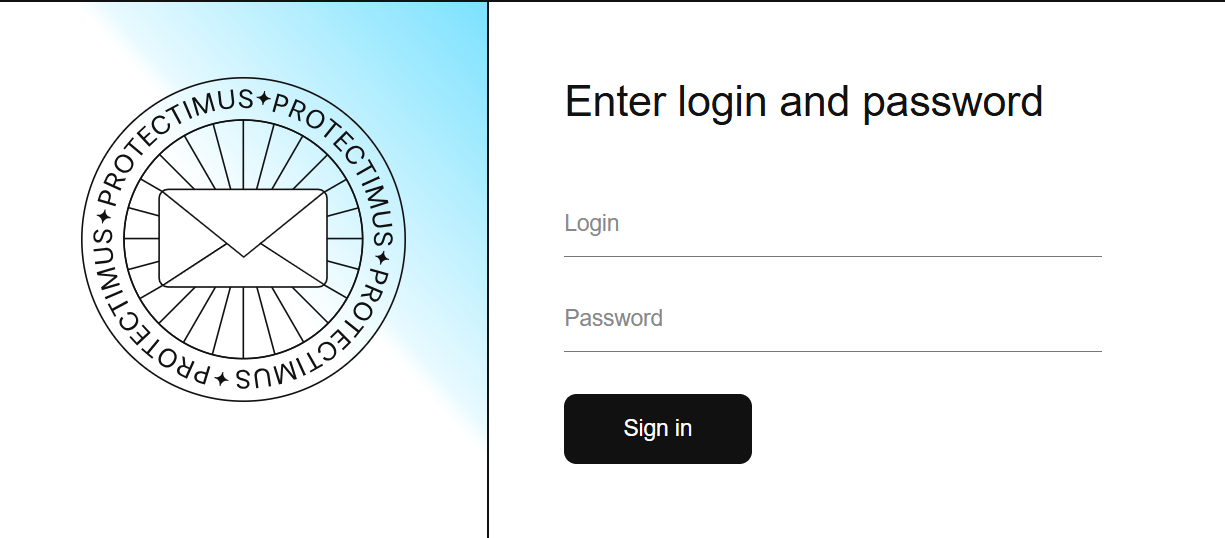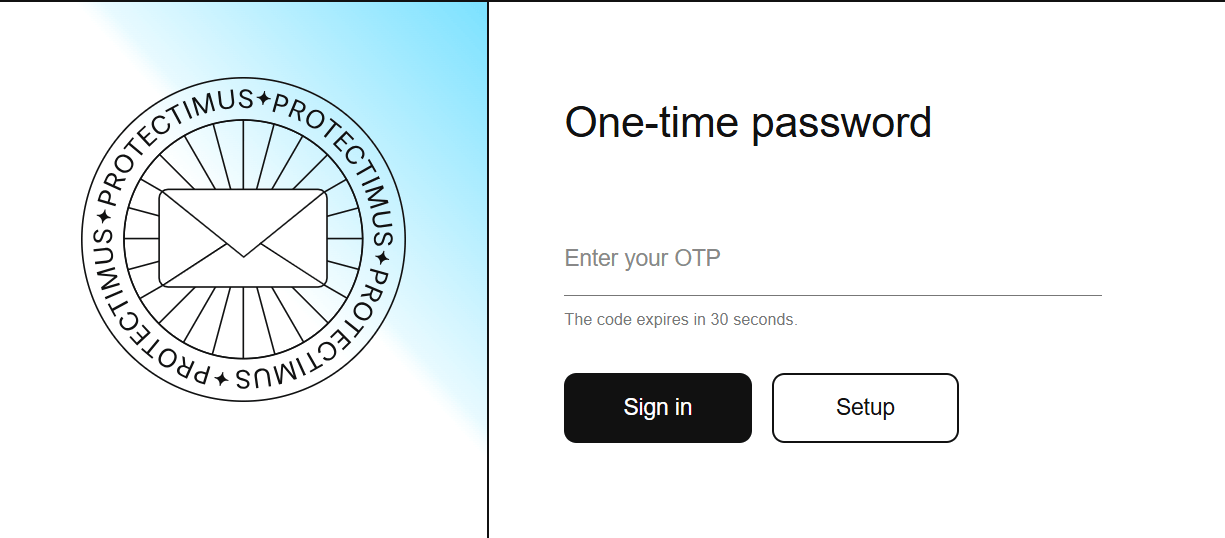
We’ve updated the Protectimus MFA component for OWA & EAC, adding a fresh, modern authentication interface, Push authentication support, and automatic token enrollment for easier user onboarding.
The Protectimus OWA & EAC component adds multi-factor authentication to Outlook Web App (OWA) and Exchange Admin Center (EAC), helping organizations protect both user and administrator access to Microsoft Exchange.
Push Authentication
The Protectimus OWA & EAC component now supports Push authentication, making multi-factor authentication faster and more convenient for end users. They can approve login requests with a single touch in the Protectimus SMART authenticator app instead of entering a one-time code manually.
The new option expands the existing range of supported authentication methods, which include MFA apps, hardware OTP tokens, SMS, email, and OTPs delivered via chatbots.
Automatic Token Enrollment
The new version also introduces automatic token enrollment, simplifying MFA deployment and reducing the amount of manual configuration required from administrators.
Users can choose their authentication method and enroll it during their first login.
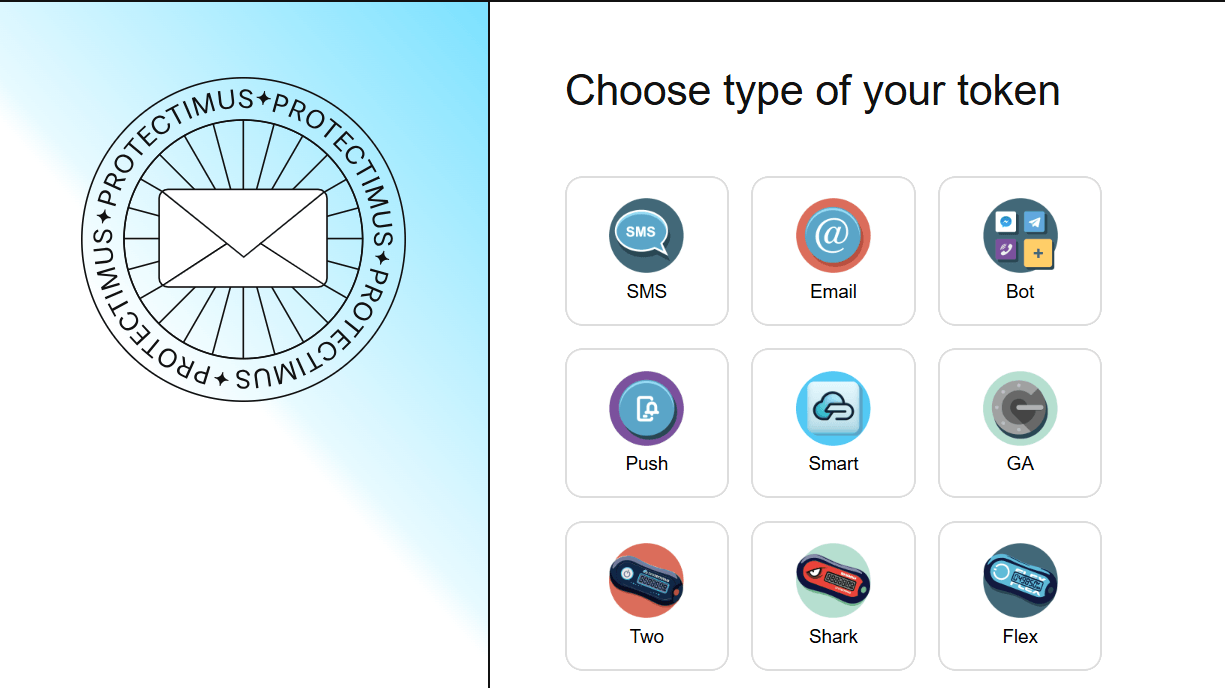
For example, when choosing Protectimus SMART, the user simply scans the displayed QR code containing the secret key with the 2FA app and confirms activation with an OTP.
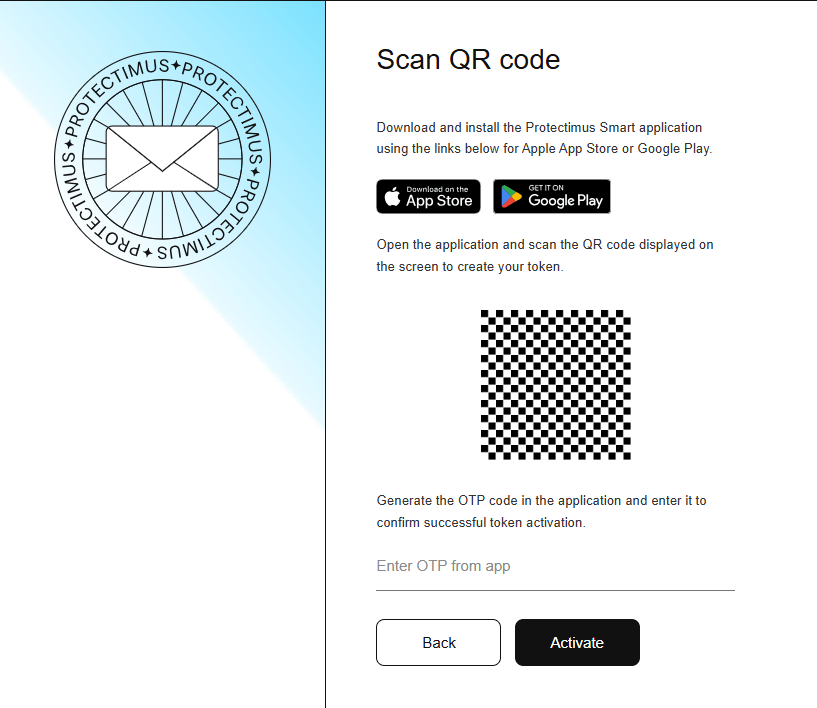
This makes it easier to roll out MFA to large numbers of OWA and EAC users and significantly reduces the administrative burden by minimizing manual token enrollment and making user onboarding faster and easier.
New Authentication Interface
The Protectimus OWA & EAC component now features a redesigned authentication interface with a cleaner, more modern look. The new design covers both authentication and token enrollment, providing a consistent interface throughout the entire process.