












Protectimus DSPA
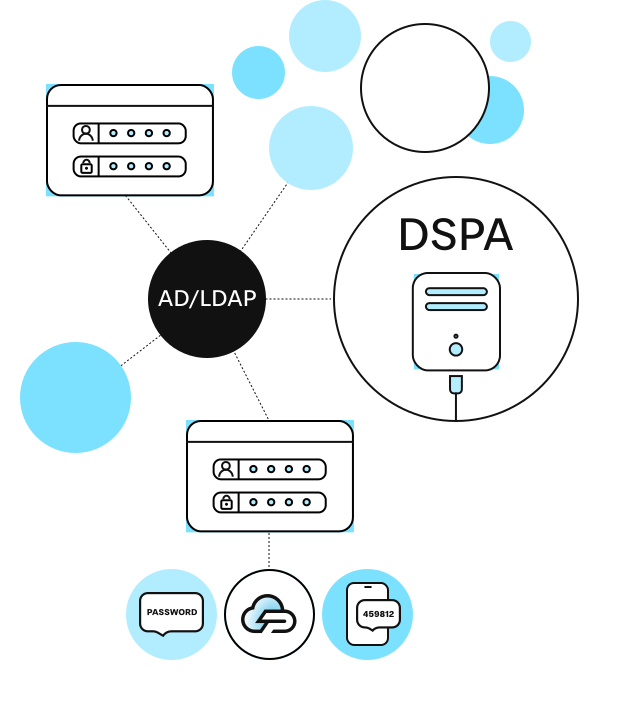
Protectimus DSPA (Dynamic Strong Password Authentication) adds two-factor authentication at the directory level, directly in Active Directory and other user directories such as LDAP and databases, rather than at the endpoint or application level.
DSPA is Protectimus’s directory-level, agentless approach to Active Directory MFA. Instead of deploying a separate MFA integration for each service, it turns the Active Directory password itself into a rotating credential. Protection then applies wherever that password is checked, with no client-side software required.
For a comparison with component-level MFA, which protects one service at a time (Winlogon or OWA individually, for example), see MFA for Active Directory: Complete Guide.
Passwords Just Got Reinvented
Static passwords stay valid indefinitely once set. That’s exactly what makes them easy to phish, reuse, or steal.
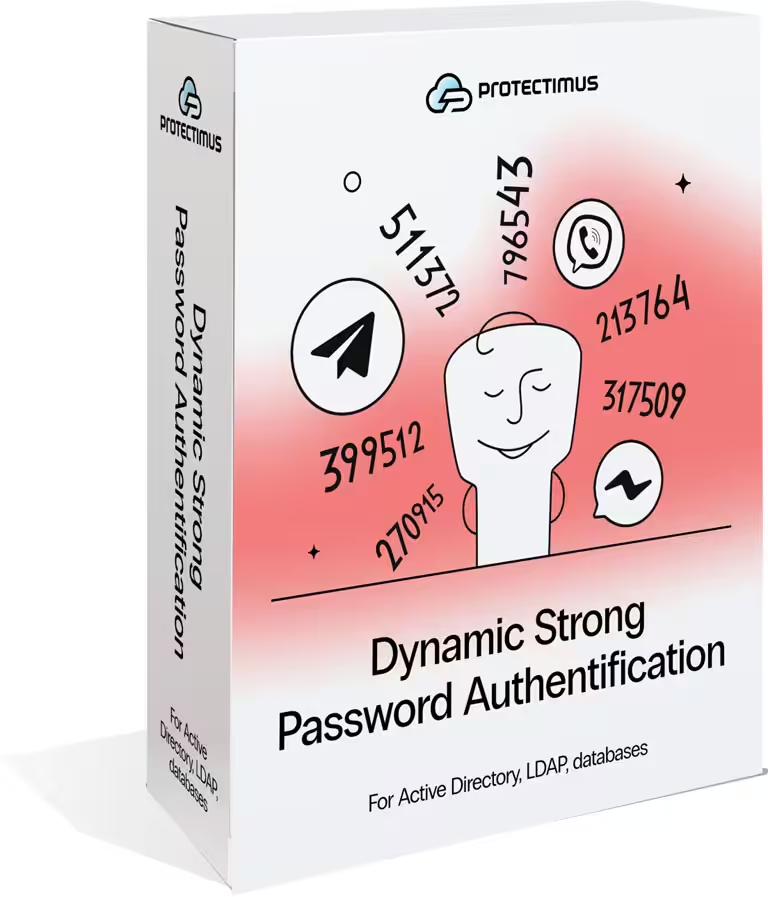
Protectimus DSPA replaces the Active Directory password with a rotating time-based one-time password. Once the current OTP window closes, a captured credential stops working.
Users authenticate with temporary one-time passwords instead of permanent credentials, dramatically reducing the risk of phishing, credential theft, and password-based attacks while keeping access fast and convenient.

Scheduled OTP rotation
The Protectimus DSPA component for Active Directory replaces traditional static passwords with secure one-time passwords generated using the TOTP algorithm. OTP passwords are automatically updated at intervals defined by the administrator, ensuring that users always authenticate with temporary dynamic credentials instead of permanent passwords.

Hassle-free administration
Unlike traditional MFA solutions, Protectimus DSPA removes the complexity of deploying and maintaining additional software on client machines. After integration with Active Directory or any other user directory or database, authentication with OTP passwords is automatically applied across all connected systems, including Winlogon, RDP, OWA, etc.
What problems does Protectimus DSPA solve?
1. Existing MFA solutions protect only part of the Infrastructure
All standard MFA solutions add two-factor authentication only to endpoints. This leaves hackers a chance to attack your infrastructure bypassing two-factor authentication and calling your user directory straightforward. For example, it’s possible to call Active Directory via the Windows command line, and it’s enough to know user login and password to perform an action on their behalf. With Protectimus DSPA enabled, any authentication request against AD, LDAP, or the connected database requires the current dynamic OTP, which remains valid only for a predefined period of time. This applies regardless of the entry point.
2. Administrators need to install and support 2FA plugins on multiple platforms
Usually, to configure two-factor authentication for all employees and all the services that the company uses, the administrator must implement several 2FA plugins for different platforms and install additional software on each client machine. Moreover, all this software needs to be constantly updated. After integrating the Protectimus DSPA component with Active Directory, MFA passwords will be required on all services connected to AD (Winlogon, RDP, ADFS, OWA, etc.)
Because the AD password itself becomes short-lived, a captured password stays usable only until the next rotation. For a closer look at how this affects credential replay and lateral movement across AD-connected services, see the technical breakdown of directory-level MFA.
How does it work?
Protectimus integrates directly with Microsoft Active Directory (or any other user directory) to replace traditional static passwords with secure one-time passwords generated using the TOTP algorithm. These passwords constantly change according to a schedule defined by the administrator, turning standard Active Directory authentication into a passwordless login experience.
The administrator defines the one-time password rotation interval, starting from 30 seconds with configurable step-based increases. Password rotation policies can be configured individually for each user, and administrators can choose which user groups are required to use Protectimus Dynamic Strong Password Authentication (DSPA).
As a result, Active Directory users authenticate using one-time passwords instead of permanent static credentials. To generate OTPs, users can use the Protectimus SMART authenticator app or chatbots on Telegram, Viber, or Facebook. Access to the app or messenger can be additionally protected with a PIN code or biometrics, adding an extra layer of security to the authentication process.
The DSPA component connects to Active Directory (or another supported directory) via LDAP or LDAPS and requires permissions to update user passwords. No agent or additional software is installed on client machines: the integration works entirely through the directory’s own password-management interface.
OTP tokens to choose from
The Protectimus DSPA component for database protection allows administrators to specify any OTP password change interval in multiples of 30 seconds. The same functionality is available with the Protectimus Smart OTP and Protectimus Bot tokens.
Protectimus Smart app
The free Protectimus Smart OTP app for two-factor authentication is available for iOS and Android. When creating a new TOTP token, users can set their desired time interval in multiples of 30 seconds. This makes it possible to use the Protectimus Smart software token for two-factor authentication in Active Directory, LDAP, and other databases with Protectimus DSPA

Messaging chatbots
One-time password delivery is available through the Protectimus Bot chatbots on Telegram, Viber, and Facebook Messenger. This type of software token is also available at no cost. It allows administrators to configure TOTP-based one-time password generation with any time interval. That makes these chatbots an excellent means of authentication for Protectimus DSPA
On-premise platform or Private cloud
Before implementing the Protectimus Dynamic Strong Password Authentication component, the client will need to install the Protectimus two-factor authentication platform on their premises or in the client's private cloud
On-premise Platform
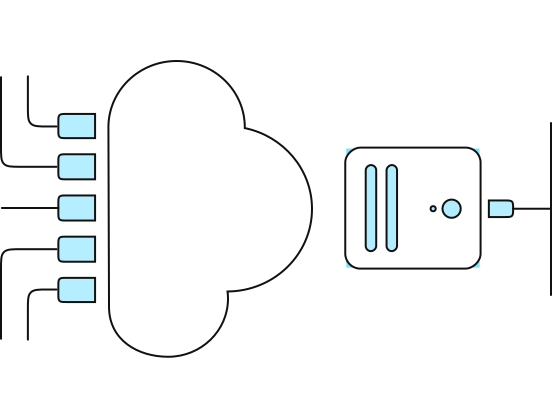
Private Cloud
Protectimus two-factor authentication server can be also deployed in the client’s private cloud. no matter where the platform is installed, either in your environment or in the private cloud, it supports multidomain environments, clustering, replication, and backup features, as well as it gives the client total control over sensitive data and processes. Before installing the Protectimus authentication platform on the private cloud, make sure the cloud infrastructure you set up fulfills the following technical specifications: Instance type: 2 Core (СPU), 8 GB (MEM); OS for all Instances: Linux; Cloud Disk: 100GB/per month for each Instance; Network Traffic: 1000GB/per month; Load Balancer.
How to set up two-factor authentication in Active Directory
Active Directory two-factor authentication using Protectimus DSPA: setup instructions

Install the platform with the DSPA component
Install the Protectimus On-Premise Platform using the Windows installer (downloadable from this page) or a Docker image. The Protectimus DSPA component will be installed automatically.

Add a Resource
In the Resources tab, click Add Resource. This will take you to the page where you can add a resource. Here, you only need to specify a Resource Name and click Save. The other parameters are optional.

Set Up a User Provider and User Synchronization
In the Protectimus system, log in to your account, go to the DSPA tab, and select Add Task → Add LDAP User Provider. Fill in the details of your user directory, specify the synchronization attributes, import your users into the Protectimus system, and synchronize them with your user directory.

Activate the Protectimus DSPA Component
To activate the Protectimus DSPA component, open the DSPA tab, click on the name of the DSPA instance, and set the Enabled parameter to active.

Activate the Users’ Self-Service Portal
For the Protectimus DSPA component to work, you need: a configured user provider, a synchronized user, a password set for the user, and a token assigned to the user. To let users set passwords and enroll tokens themselves, enable the Users’ Self-Service Portal: click the resource name, open the Self-Service tab, activate self-service, and set its address.
FAQ
Does DSPA require installing software on user computers?
No. DSPA integrates with the directory itself via LDAP or LDAPS, so nothing needs to be installed on users’ workstations. Users only need the Protectimus SMART app or a Protectimus BOT chatbot to generate the current OTP.
How often does the DSPA password change?
As often as the administrator sets it: the rotation interval starts at 30 seconds and can be increased in 30-second steps. The user’s OTP generator, whether the Protectimus SMART app or a Protectimus BOT chatbot, uses the same interval, so the code on the screen always matches the password currently valid in the directory.
Is DSPA available as a cloud service?
No. DSPA requires direct integration with an on-premises directory, so it’s available only through the Protectimus On-Premise Platform, deployed on your own servers or in a private cloud.
Can DSPA be enabled for specific users or groups?
Yes. Administrators can enable DSPA for selected Active Directory groups. This allows organizations to introduce directory-level MFA gradually rather than enabling it for everyone at once.
Does DSPA protect command-line access to Active Directory?
Yes. DSPA updates passwords directly in Active Directory, so authentication requests made through command-line tools also require the current dynamic password. This helps reduce the risk of unauthorized access using stolen static credentials.
