Autenticazione forte
2FA / MFA tradizionale
MFA per AD, LDAP e database
Self-Service Password Reset (SSPR)
Autenticazione Wi-Fi
Registrazione delle visite
Per iniziare
2FA / MFA tradizionale
Documentazione API
Kit di sviluppo software (SDK)
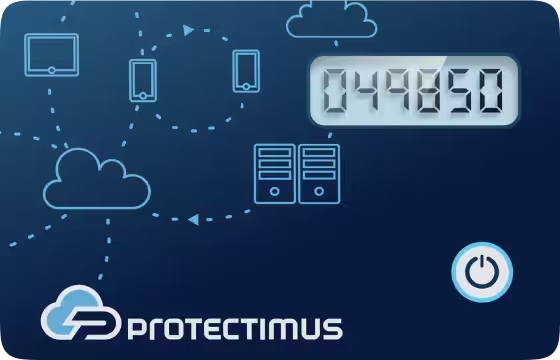
Token hardware TOTP programmabile in formato tessera, compatibile con i sistemi di autenticazione che supportano TOTP
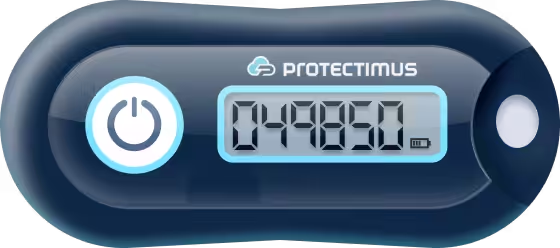
Token hardware TOTP tradizionale con supporto dell'algoritmo SHA-1
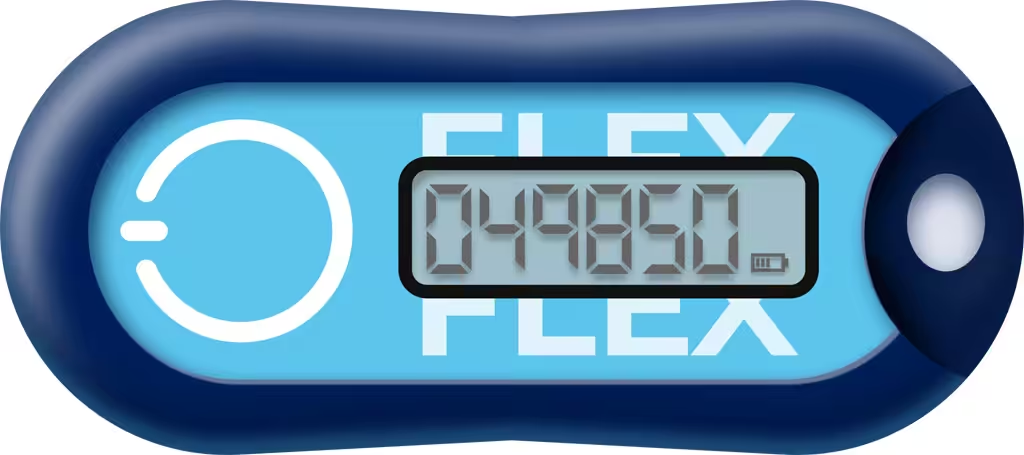
Token hardware TOTP programmabile in formato portachiavi, compatibile con qualsiasi sistema di autenticazione
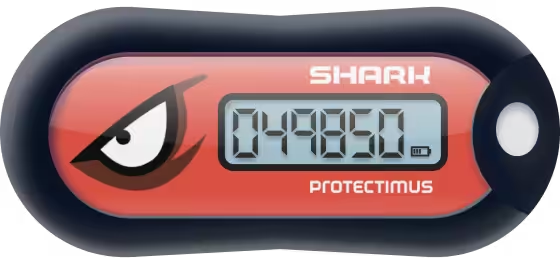
Token hardware TOTP tradizionale con supporto dell'algoritmo SHA-256
Integrazioni più richieste
App 2FA gratuita con backup cloud, trasferimento semplice dei token su un nuovo smartphone e protezione tramite PIN e autenticazione biometrica
Ricezione gratuita di codici OTP tramite chatbot nelle app di messaggistica
Invio di password monouso (OTP) tramite SMS
Invio gratuito di password monouso (OTP) tramite email
Invio gratuito di password monouso (OTP) tramite notifiche push
With Protectimus Roundcube 2FA Plugin it takes about 15 minutes to configure two-factor authentication (2FA) in Roundcube and secure access to the Roundcube webmail client with one-time passwords.
You can learn more about the Protectimus solution for Roundcube 2FA in our Protectimus Roundcube 2FA Solution Overview.
See below for detailed instructions on setting up Roundcube two-factor authentication (2FA) with Protectimus.
Choose your deployment option and complete the basic setup:
$config['plugins'] = array('protectimus_otp_authentication');
This is your login name
$config['protectimus_api_key']
$config['protectimus_api_url'] = 'https://api.protectimus.com/';
$config['protectimus_resource_id']
IMPORTANT:If you have other questions, contact our customer support service.
If you use theme skin different from default you need to copy your skin folder to Protectimus plugin.
For example:
cp -a skins/default skins/elastic