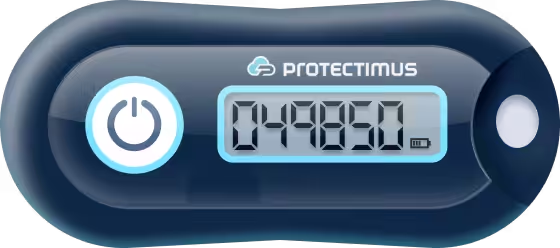
We suggest using TOTP hardware tokens for Electronic Visit Verification (EVV). Protectimus EVV solution based on the TOTP algorithm allows identifying the exact time of visits using one-time passwords from TOTP tokens.
TOTP tokens for Electronic Visit Verification (EVV) are a super easy and effective EVV method both for homecare personnel and people receiving help at home.
Hardware TOTP tokens for EVV look like keyfobs and don’t require installation, internet connection, or electricity to work. It’s enough to give the TOTP token device to the care receiver and ask the homecare worker to write down one-time codes from the EVV TOTP token at the beginning and the end of their visits. Then the one-time codes are transferred to the Protectimus EVV solution via API, and Protectimus returns the precise time when every OTP code was generated.
This guide shows how to integrate the Protectimus EVV solution with your Electronic Visit Verification system.
The Time-Based One-Time Password generation algorithm (TOTP) allows us to calculate the time when every one-time code was generated with an accuracy of 30 or 60 seconds, depending on the type of TOTP token you choose. We highly recommend using TOTP tokens with 60 second time step for EVV because of the problem of matching OTPs that occurs with 30-second time step tokens. We’ll describe this issue in detail below.
The TOTP algorithm for EVV works like this:
So the scenario of using Protectimus TOTP tokens for Electronic Visit Verification (EVV) looks like this:
PLEASE NOTE! We recommend 8-digit TOTP tokens with 60 seconds time steps for Electronic Visit Verification (EVV).
There is a limit to the number of combinations consisting of 6 digits. And this limit is not very large.
Over a long period (a week or a month), the numeric values of one-time passwords will inevitably repeat. Two one-time passwords generated at different times will match. It may complicate the recognition of the exact time of OTP generation.
To reduce this problem, it is better to use TOTP tokens with a larger number of characters and larger time intervals. We recommend 8-digit TOTP tokens with 60 seconds time steps for Electronic Visit Verification (EVV).
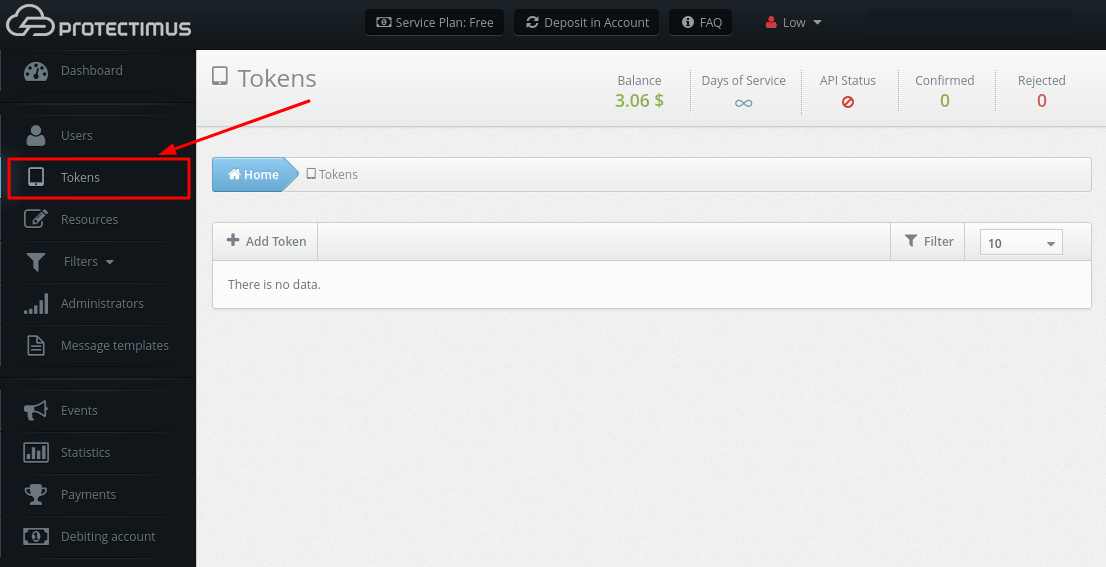
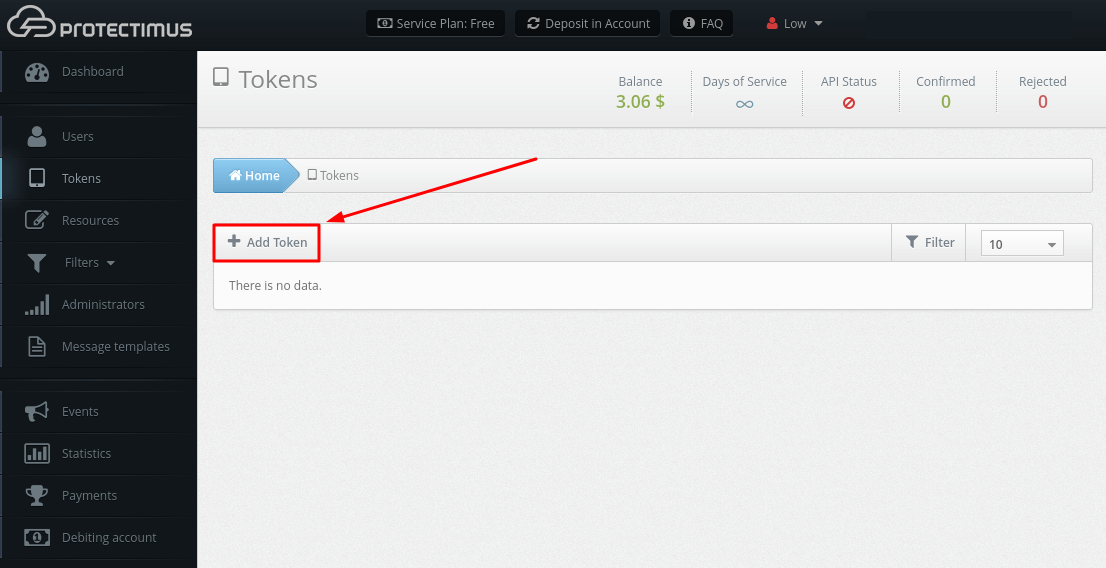
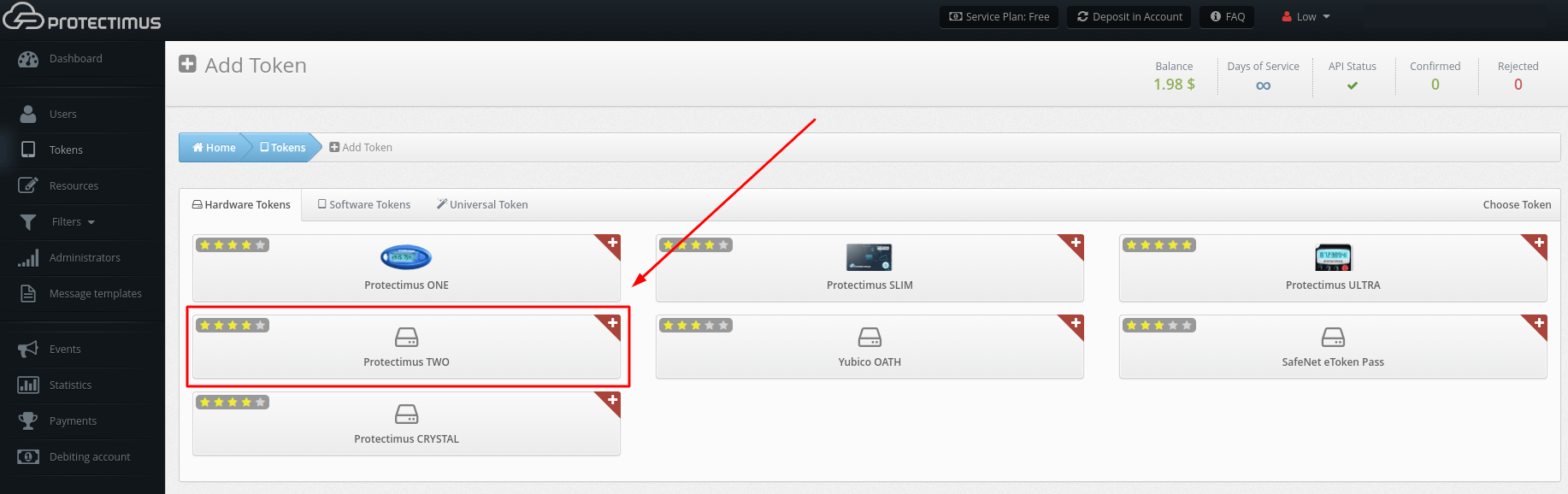
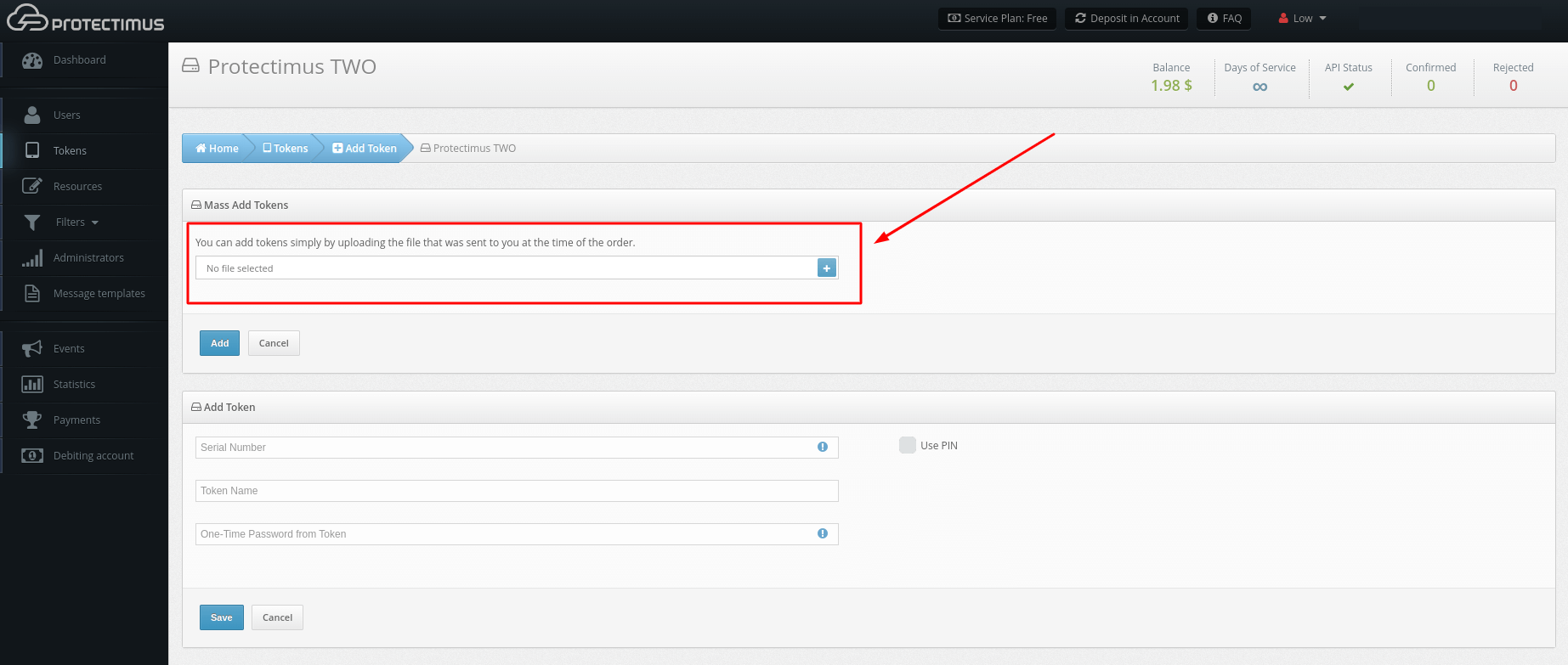
PLEASE NOTE! You can use our Postman Collection for quicker integration. A Postman Collection is available upon request. Please, contact our support team.
Protectimus API’s design is based on the REST principles. Data is transmitted in the XML format or the JSON format. Parameter values are identical in these formats. By default, responses are transmitted in the XML format.
For comprehensive instructions, see our Guide to Integrating with Protectimus API.
The Protectimus API is only accessible to authorized users. Our solution uses Basic authentication. The login (username) of the administrator that submits a request is used as the username, and an authentication token is used as the password.
An authentication token is the hash of a string that consists of the following elements:
<ApiKey>:<YYYYMMDD>:<HH>Where:
Example:
The administrator’s profile contains the following information:
ApiKey – MySecureApiKey; Date - 30 January 2014; Time - 17:42 (UTC).

String for hash: MySecureApiKey:20140130:17

Hash SHA256 for this text: 62704fb3a9dcf7b5b3cf7bda6ac9d0b0aa37c6fce8d0fae6b466c91ba68894f5The protocol for transmitting all requests to the Protectimus API is HTTPS.
Request Format:
<НТТР-method>
https://service.protectimus.com/multipass-web-api/v<API_version>/<API_section>/<API_method>.<respo
nse_format>
The parameters specified above have the following values:
If an error occurs, the processing of a request is terminated, and an error message is returned.
A list of errors and descriptions of errors are given in the Error Message section of the Protectimus API Integration Instructions.
Use this API Method to get the time when the one-time password was generated.
Option 1. CURL
curl --request POST 'https://api.protectimus.com/api/v1/token-service/otp-time' \

--header 'Authorization: Basic ZGFueWxvLmRlaW5la29AZ21haWwuY29tOmNTI=' \

--header 'Content-Type: application/x-www-form-urlencoded' \


--data-urlencode 'tokenId=123' \

--data-urlencode 'otp=825043'
Option 2. HTTP
POST /api/v1/token-service/otp-time HTTP/1.1
Host: api.protectimus.com
Authorization: Basic ZGFueWxvLmRlaW5la29AZ21haWwuY29tOmNTI=
Content-Type: application/x-www-form-urlencoded
Content-Length: 22


tokenId=123&otp=825043
If you have any questions, please, contact Protectimus customer support service.