Creating, Assigning, and Managing OTP Tokens
Visit the Tokens page to find more information about the OTP tokens we support. You can mix any types of tokens you need.
PLEASE NOTE! Not to add all tokens manually, you may activate the Users’ Self-Service Portal that allows the users to enroll, register, and manage their Tokens themselves.
ATTENTION! One User can use only one Token for authentication on one Resource. The number of Tokens that you may add depends on the Service Plan you select.
1. How to Add Tokens Manually
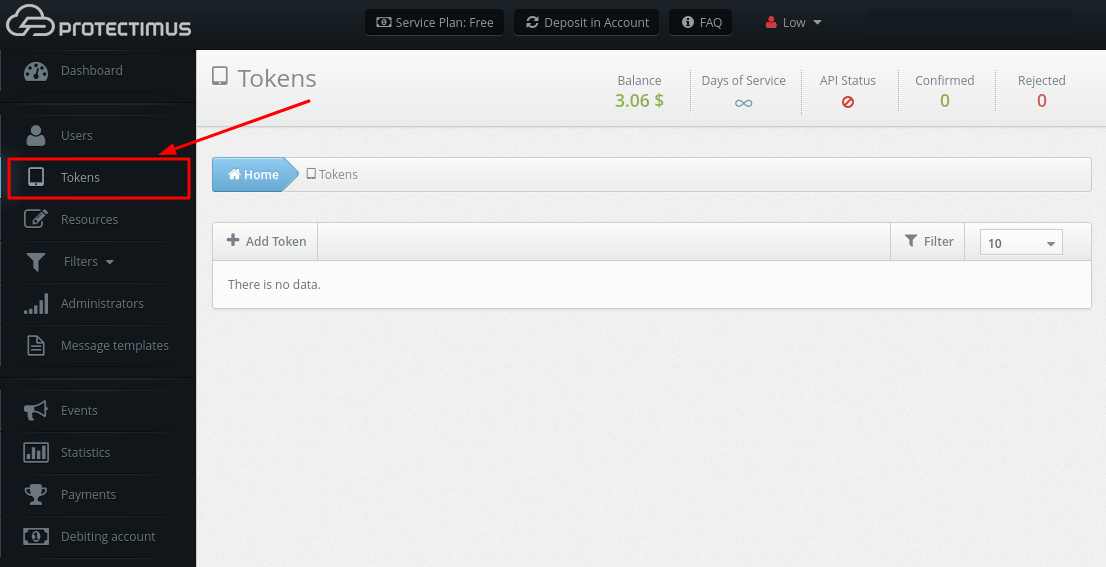
- Log into your account in Protectimus SAAS Service or On-Premise Platform and go to the Tokens page.
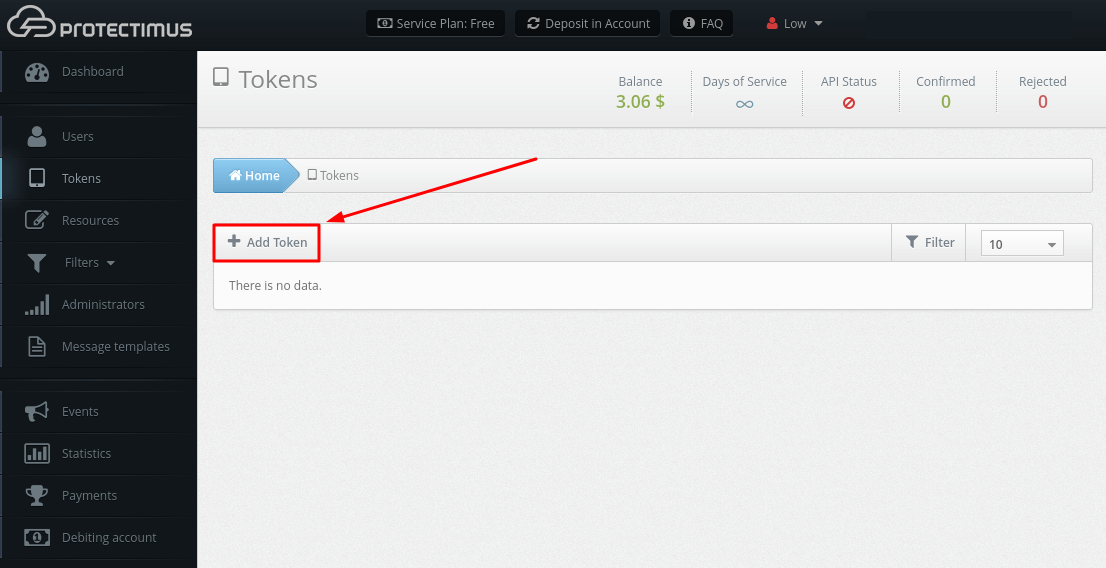
- Click the Add Token button.
- Select the Token that you want to add. It can be:
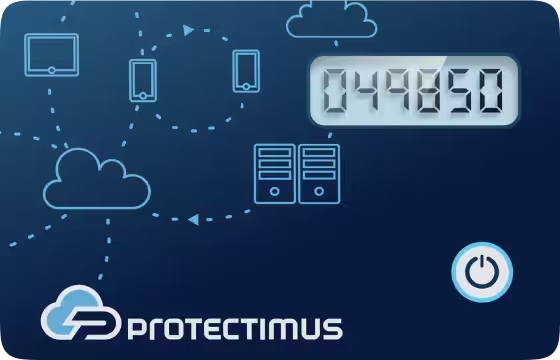
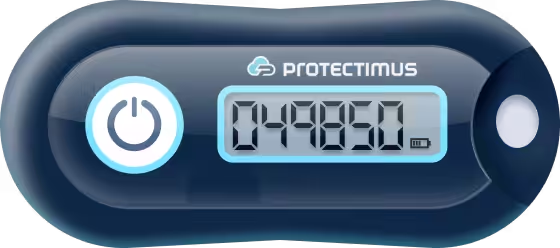
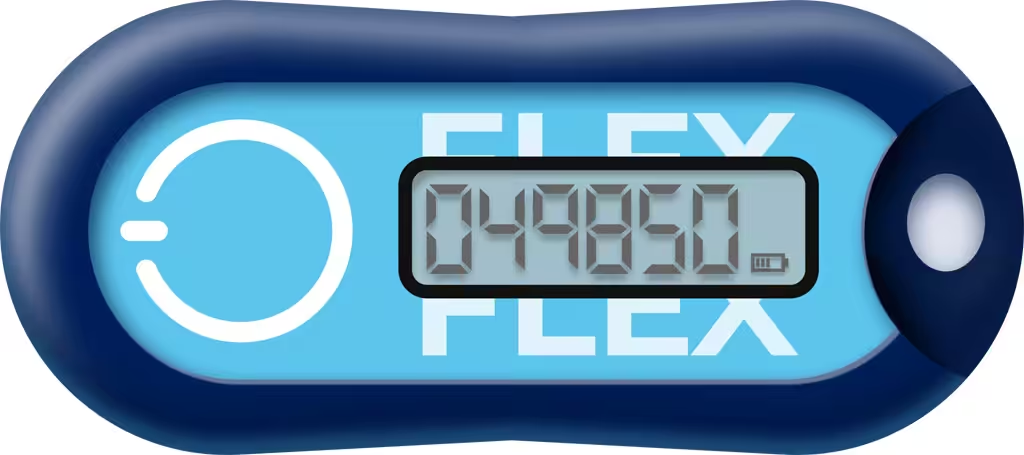
- Hardware tokens. Protectimus Two (use the Protectimus Two button), Protectimus Slim NFC (use the Protectimus Slim button), Protectimus Flex (use the Protectimus Slim button), Yubiko OATH, SafeNet eToken Pass.
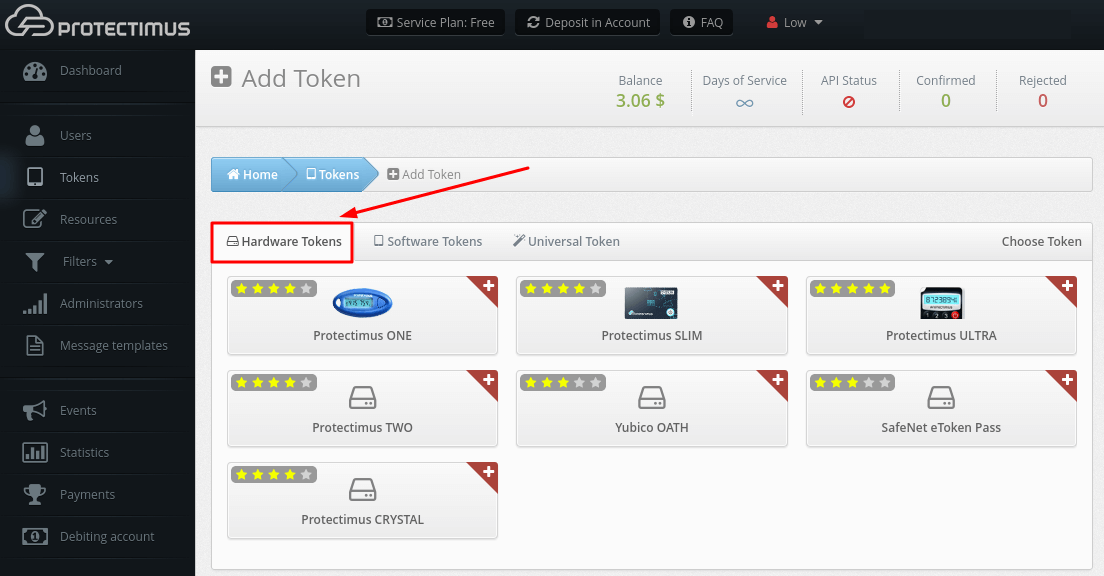
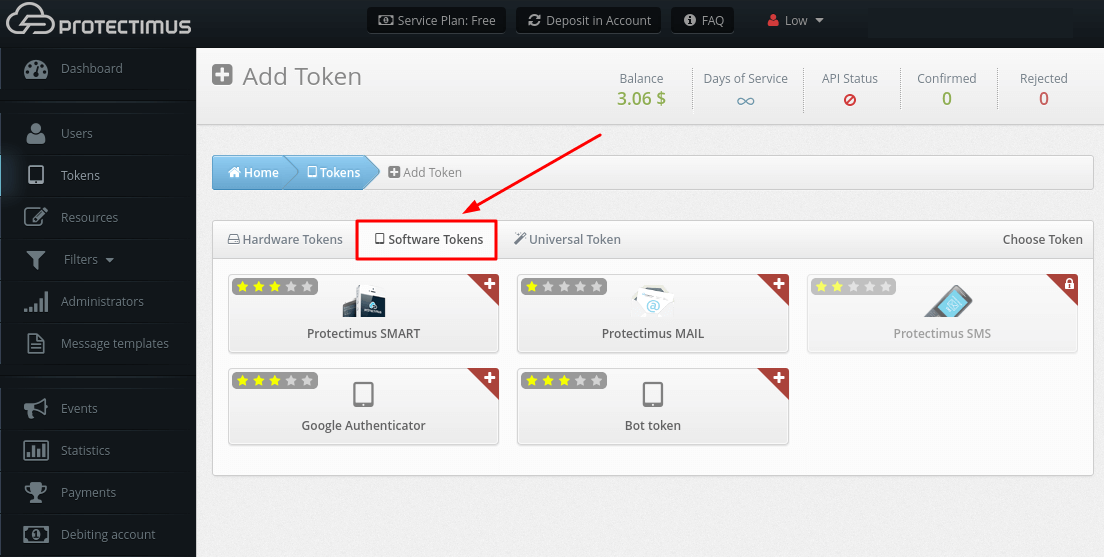
- Software tokens. 2FA application Protectimus SMART (use the Protectimus SMART button), any other two-factor authentication app like Google Authenticator (use the Google Authenticator button), delivery of OTP password via email (use the Protectimus MAIL button), SMS (use the Protectimus SMS button), or chatbots in Facebook Messenger, Telegram, Viber (use the Bot token button).
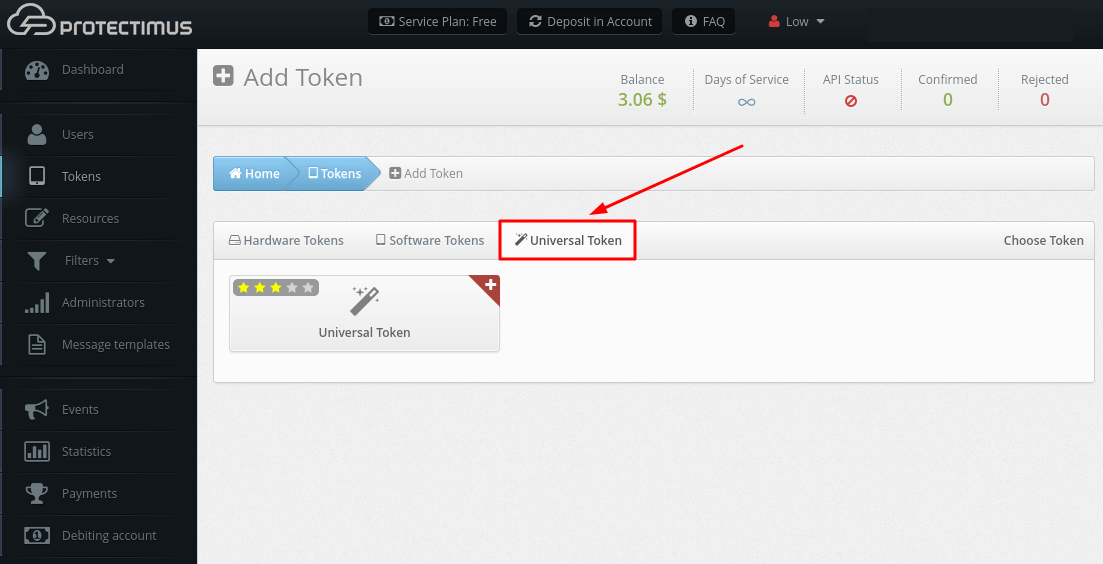
- Universal token. This mechanism allows adding any OATH hardware tokens from other vendors. You need to know the secret key of the token.
- After selecting the desired type of OTP token, you will need to fill in all necessary fields, enter a one-time password from the token and click Save.
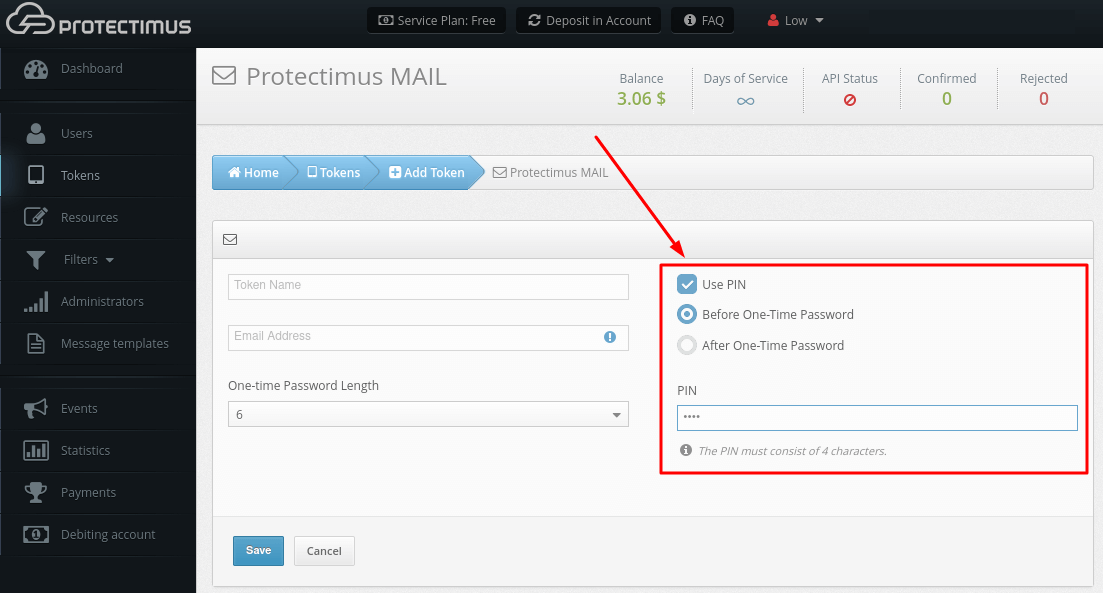
PLEASE NOTE! You can also use the PIN code with any type of tokens you choose. If you activate the PIN code function, the user will have to enter the PIN code in the input field together with a one-time password (before or after a one-time password, depending on the choice of administrator). The one-time password and the PIN should be entered as one string without spaces or any other characters between them. This is an additional level of protection for the user account.
ATTENTION! After adding the token, you need to assign the Token to a specific User and assign a Token with User to the resource.
2. How to Edit Tokens
- Go to the Tokens page.
- Find the Token you need, and click on its Name.
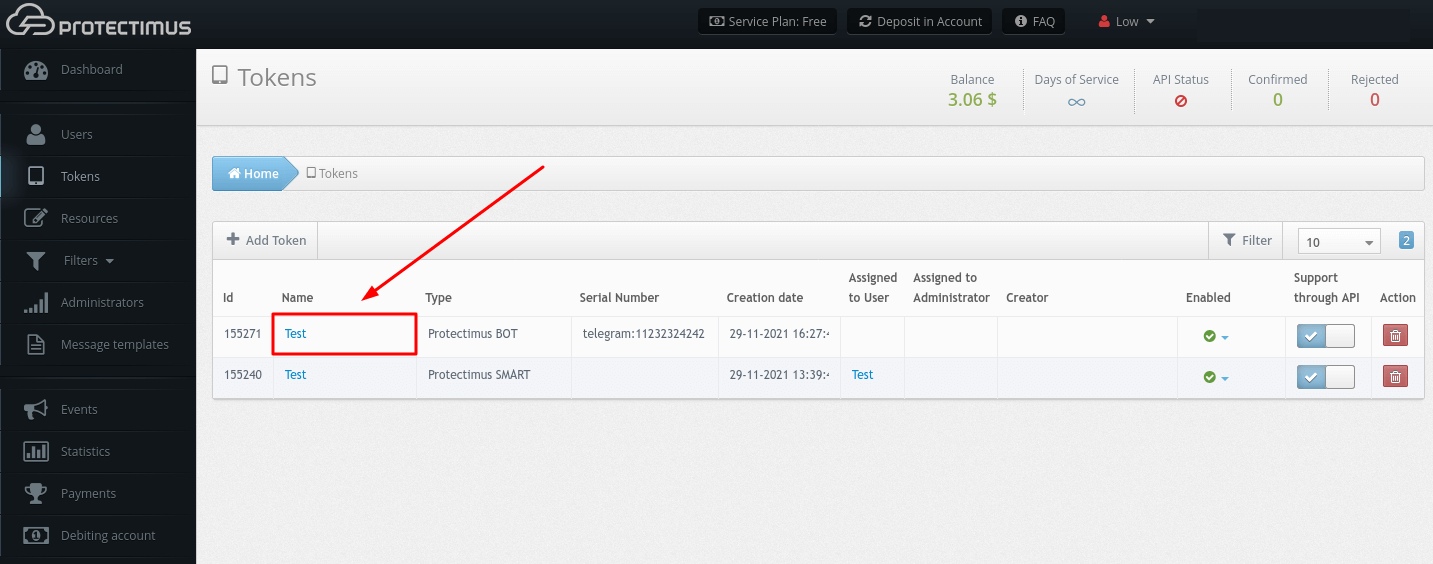
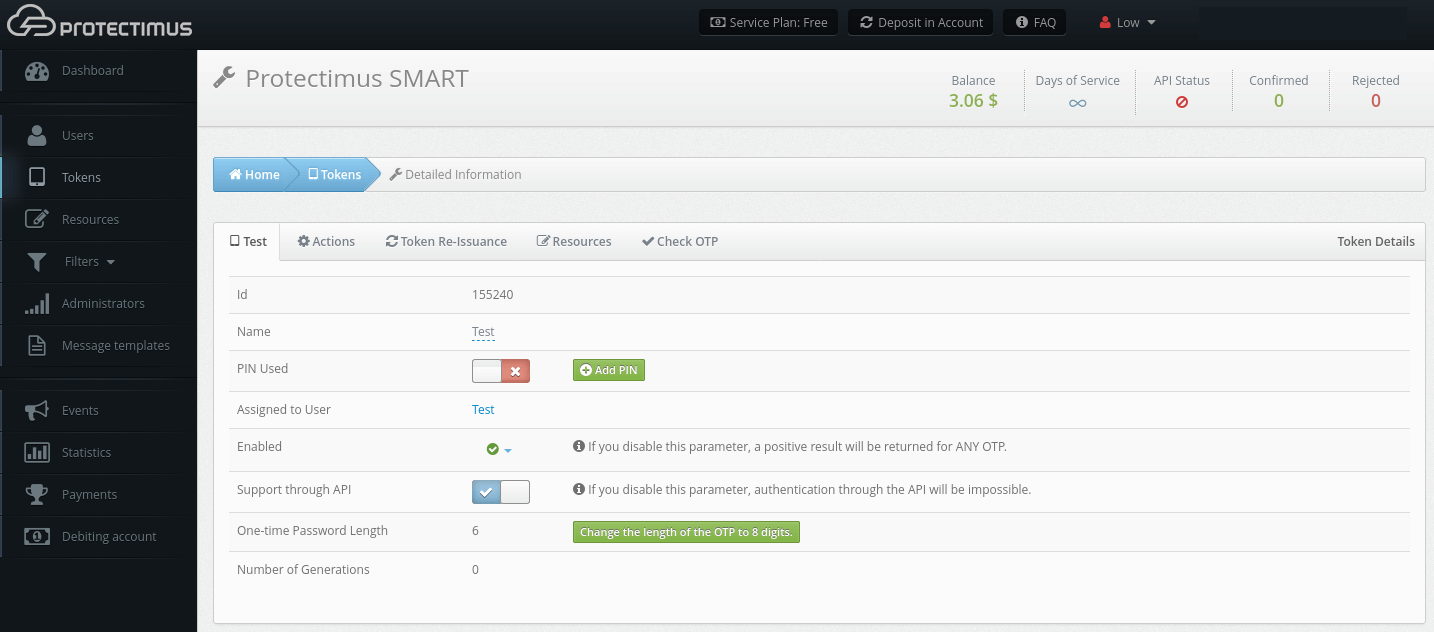
- You will see the page with detailed information about the Token where you can:
- change the name of the Token;
- add / change / delete PIN code;
- temporarily deactivate the Token;
- change the length of the one-time password.
3. How to Deactivate Tokens
If a user loses their token or, for example, forgets the token at home, and you want to provide urgent access to this user, you can deactivate this token for a certain period of time or forever.
- Go to the Tokens page.
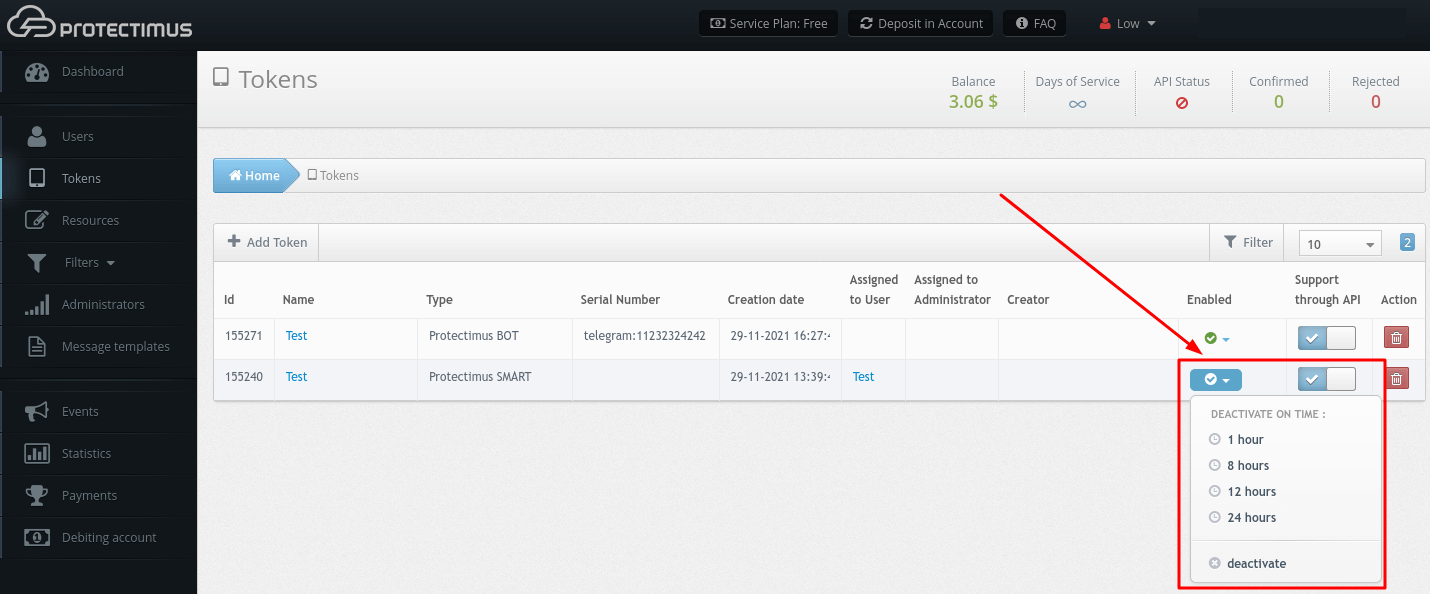
- Find the Token you need and click on the drop-down list in the Enabled field. You may deactivate the token for:
- 1 hour;
- 8 hours;
- 12 hours;
- 24 hours;
- You may also deactivate it permanently by choosing the option deactivate.
ATTENTION! When you disable this parameter, a positive result will be returned for ANY OTP.
4. How to Re-Issue Tokens
If a user loses access to their token, an administrator can re-issue the token for this user manually. You can also enable a Users’ Self-Service Portal and allow your users to re-assign their tokens themselves.
- Go to the Tokens page.
- Find the Token you need, and click on its Name.
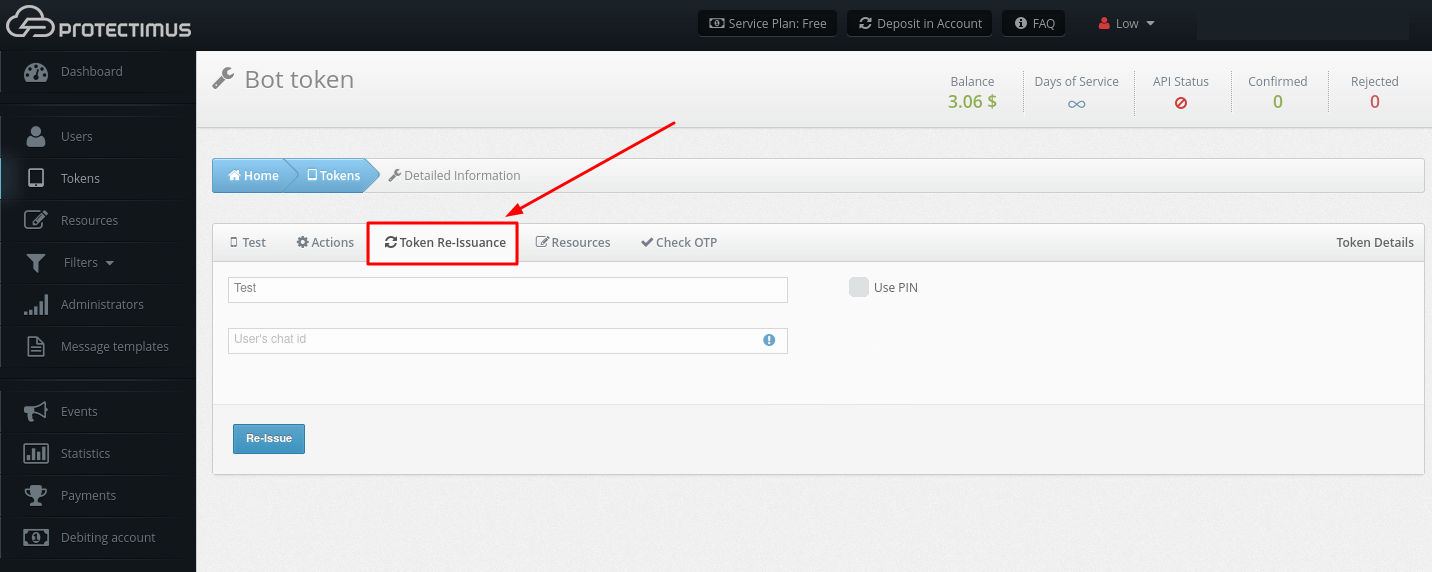
- Go to the Token Re-Issuance tab, then fill in all the required fields, and click Re-Issue.
5. How to Delete Tokens
PLEASE NOTE! Only the creator or the chief administrator can delete the Tokens.
- Go to the Tokens page.
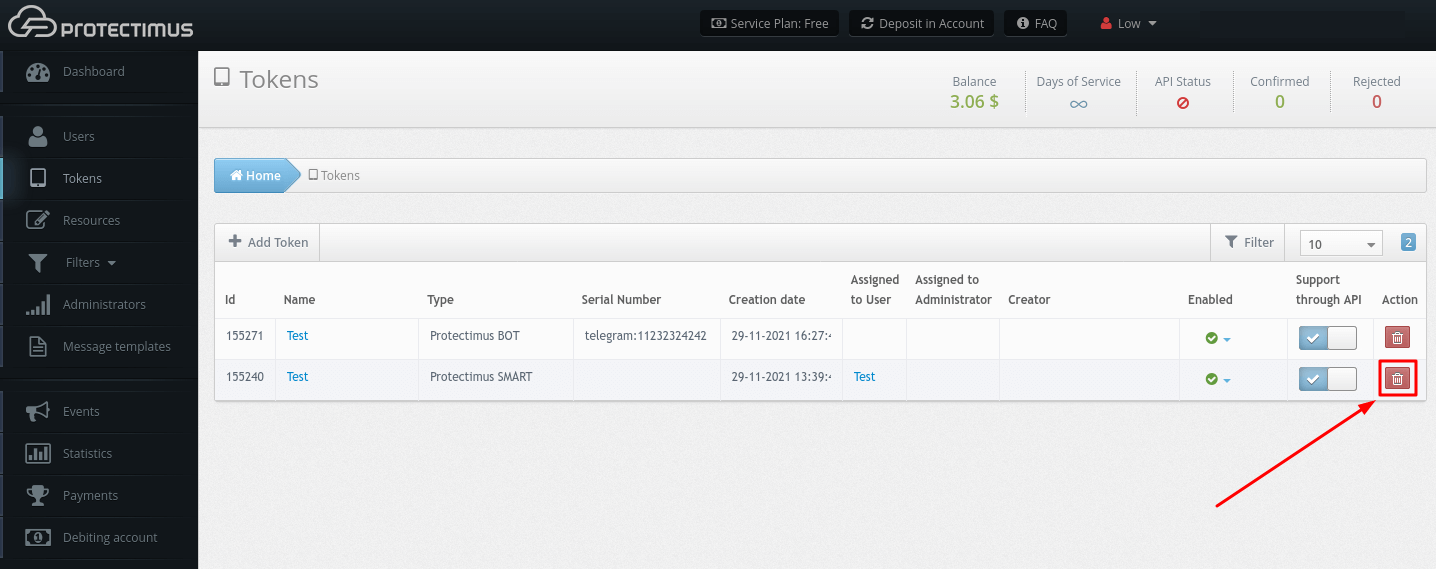
- Find the Token you need, click on the red button with the image of the bin, and confirm your action.
6. How to Synchronize Hardware Tokens With MFA Server
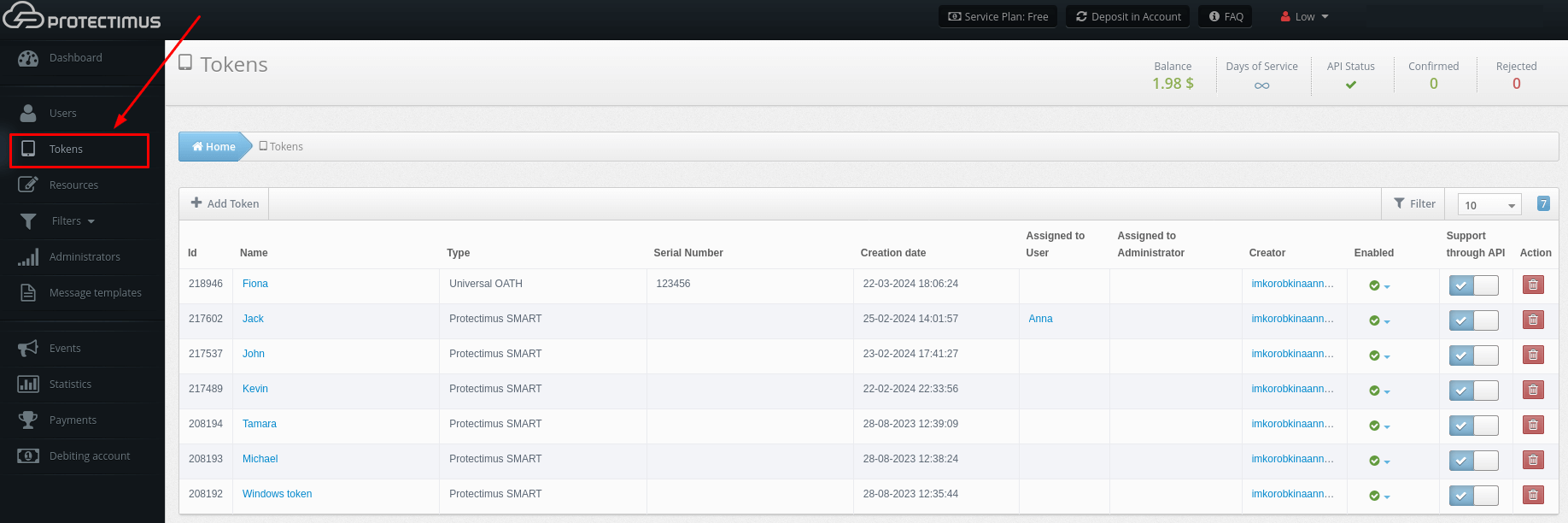
- Go to the Tokens page.
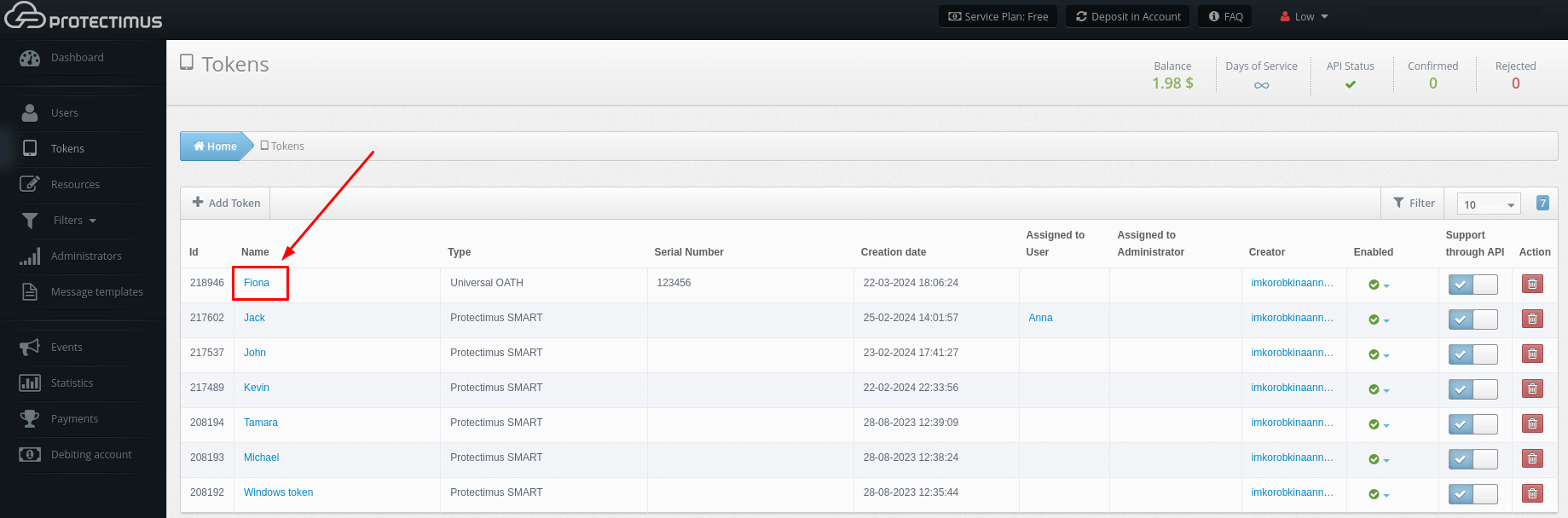
- Find the token you need, and click on its name.
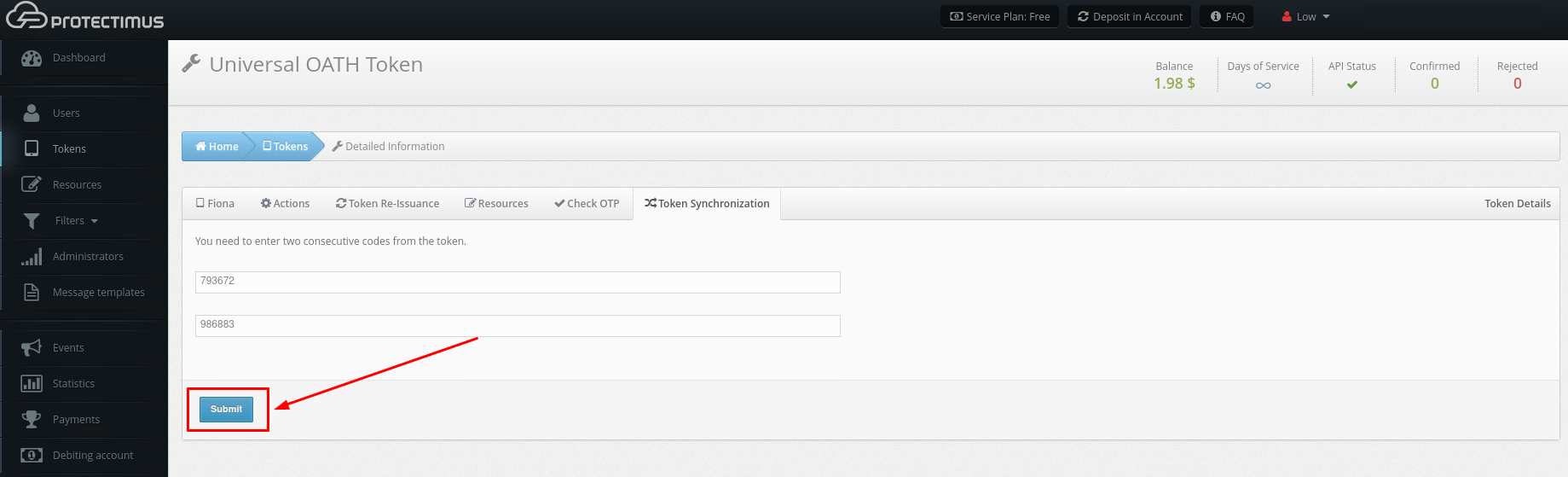
- Navigate to the Token Synchronization tab.
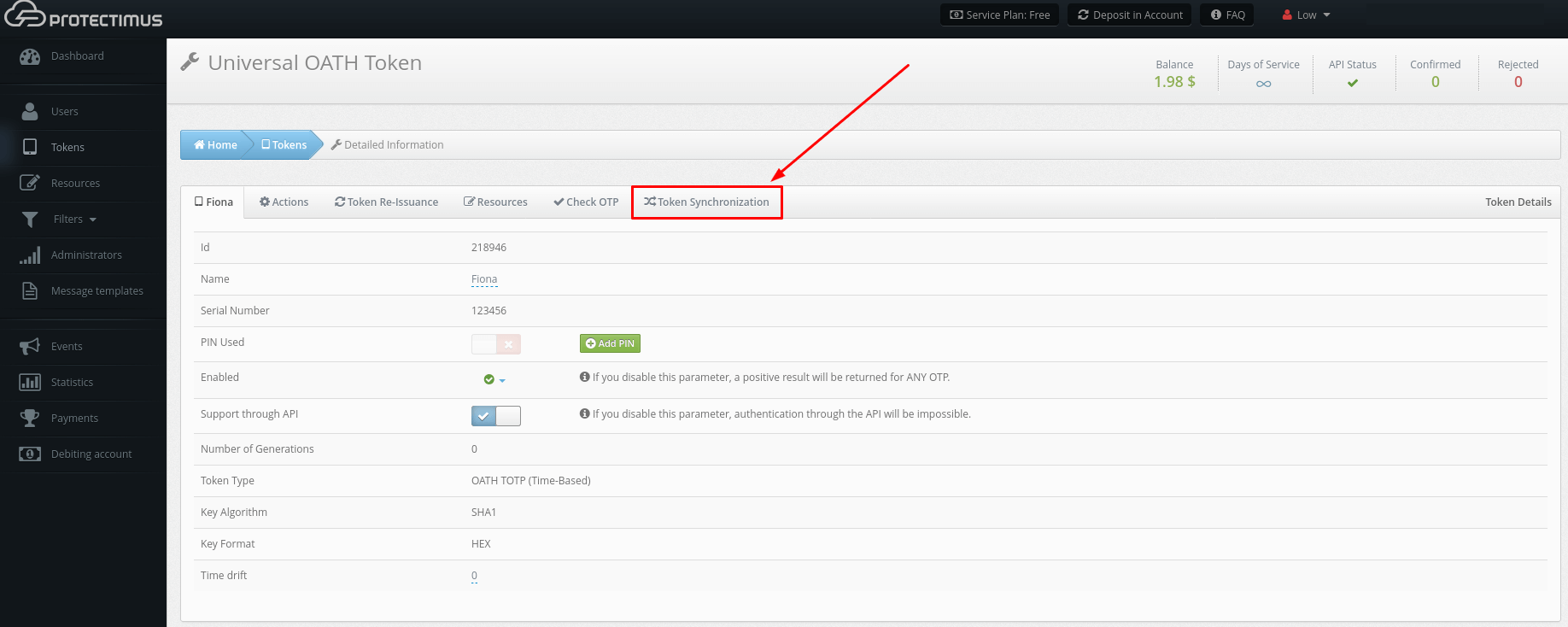
- Enter two consecutive one-time codes from the token you are synchronizing into the appropriate fields and click Submit.